Product Overview
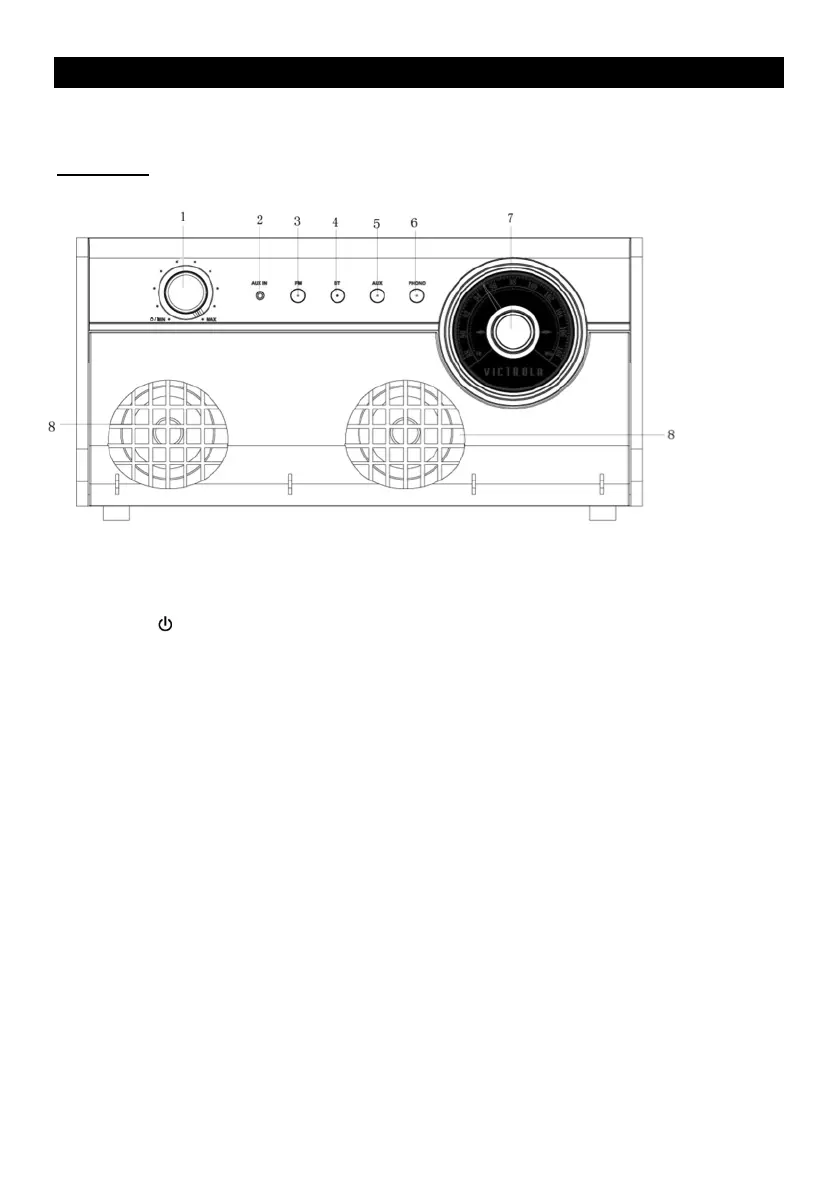
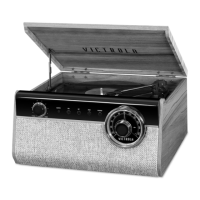
Front View
1. POWER /VOLUME: Rotate clockwise to turn the unit ON.
Rotate counter-clockwise to turn the unit OFF.
When unit is ON, rotate to adjust the volume.
2. 3.5mm AUX-IN JACK: Connect your external source to the AUX-IN jack.
3. FM: Press to switch to FM function.
4. BT: Press to switch to Bluetooth function.
5. AUX: Press to switch to AUX IN function.
6. PHONO: Press to switch to PHONO function.
7. RADIO TUNER KNOB: In FM mode, turn knob to tune to desired station.
8. SPEAKER









 To Next Page