• Phase 2 AC output Voltage and Power.
• Phase 3 AC input Voltage and Power.
• Phase 3 AC output Voltage and Power.
3.3.4. Error Code Display
If there is an error with the system, the error code will be displayed on the screen. The screen will display VE.Bus error code
numbers, and MPPT error codes (if connected).
Basic information about the VE.Bus Error codes are in the Error Indications section.
For further details about the error codes please see:
VE.Bus Error Codes
MPPT Error Codes
The error will display until it is cleared.
3.4. Shut down procedure
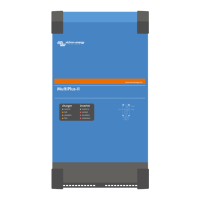
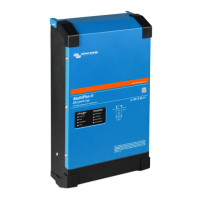
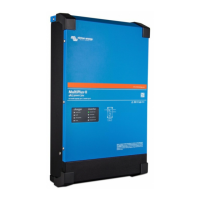
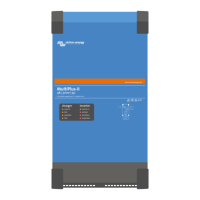
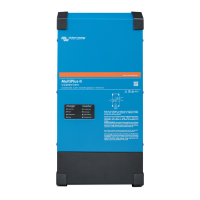
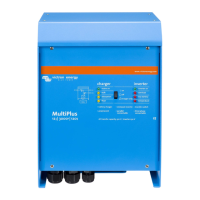
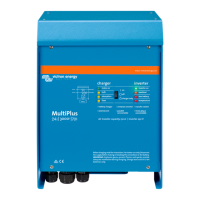
To switch the MultiPlus-II off, use the on/off/charger-only switch located on the bottom left-hand underside of the case. The middle
position of the switch is the OFF position.
To completely de-power the MultiPlus-II, disconnect the DC fuse or turn off the isolation switch, DC contactor or DC circuit
breaker, located between the battery and the DC terminals of the unit. Note that dangerous residual voltages may still exist inside
the product and at its terminals after shutdown. Never open the product casing or touch bare terminals.
MultiPlus-II inverter/charger off-grid Australia
Page 7 Operation


 To Next Page
 Loading...