Chapter 2. Installation
2.3.7. When Windows XP show message about this software didn’t pass
windows logo, please click “Continue Anyway” (though XTV
driver did not apply for windows logo approval, it is thoroughly
tested by engineers, and it will not cause harm to your system)
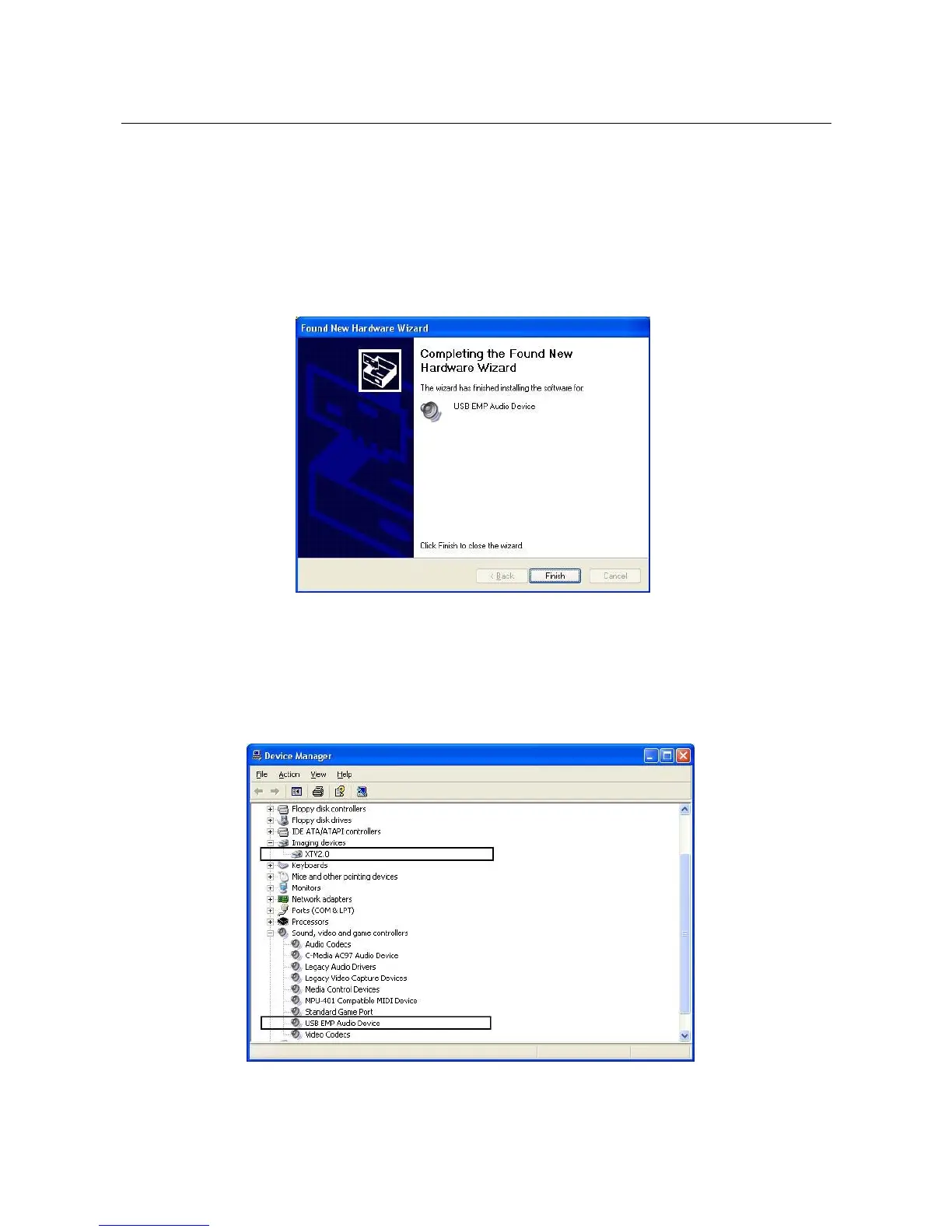
2.3.8. Complete the Audio driver installation
Click “Finish”
2.3.9. Please check XTV driver was install successful in your
computer; (Go to My Computer->Control Panel->System
->Hardware->Device manager”)
There are XTV2.0 and USB EMP Audio Device
_____________________________________________________________
7


 To Next Page