Chapter 3. Basic Function Operating
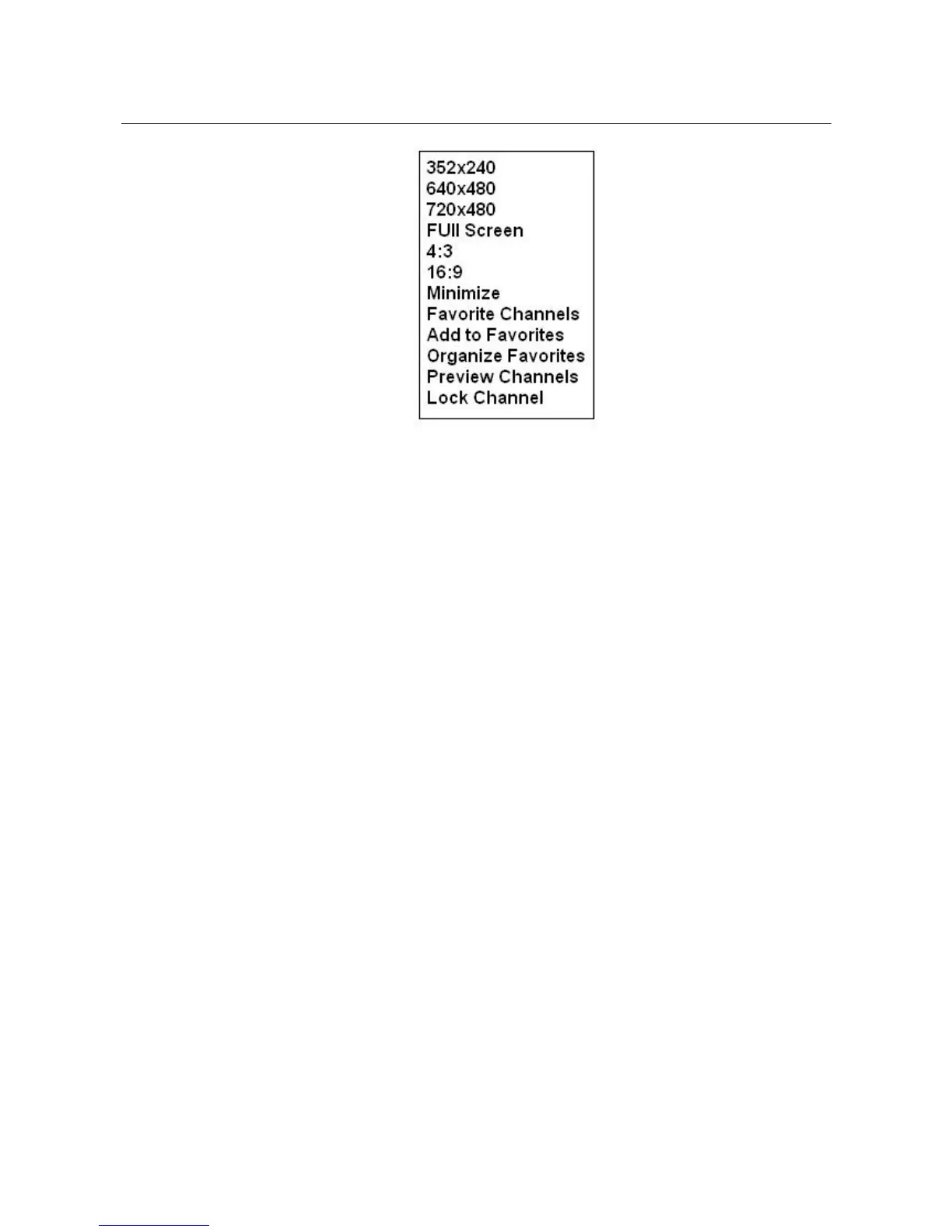
3.2.1. Resolution : there are 4 resolution video preview you can select
NTSC mode : 352x240, 640x480, 720x480, Full Screen
PAL mode : 352x288, 640x480, 720x576, Full Screen
3.2.2. 4:3 / 16:9 : Display ratio selection
3.2.3. Minimize : Minimize preview window
All functions as below are available for TV mode only
3.2.4. Favorite Channels : list all favorite channels, click any one to
display
3.2.5. Add to Favorites : Click this button to add current TV channel to
Favorite channels table
3.2.6. Organize Favorites : Modify favorite channels list
3.2.7. Preview Channels : 16 channels preview
3.2.8. Lock Channel : Select and enter password to lock current
channel, password is required to view channel
after enabling lock
3.3. Close : Exit TV Jukebox program
3.4. Pause : Pause the playback file
3.5. Stop : Stop recording; after you click “Stop”, a table will be shown
_____________________________________________________________
9


 To Next Page