Chapter 2. Installation
2.3. Driver Installation
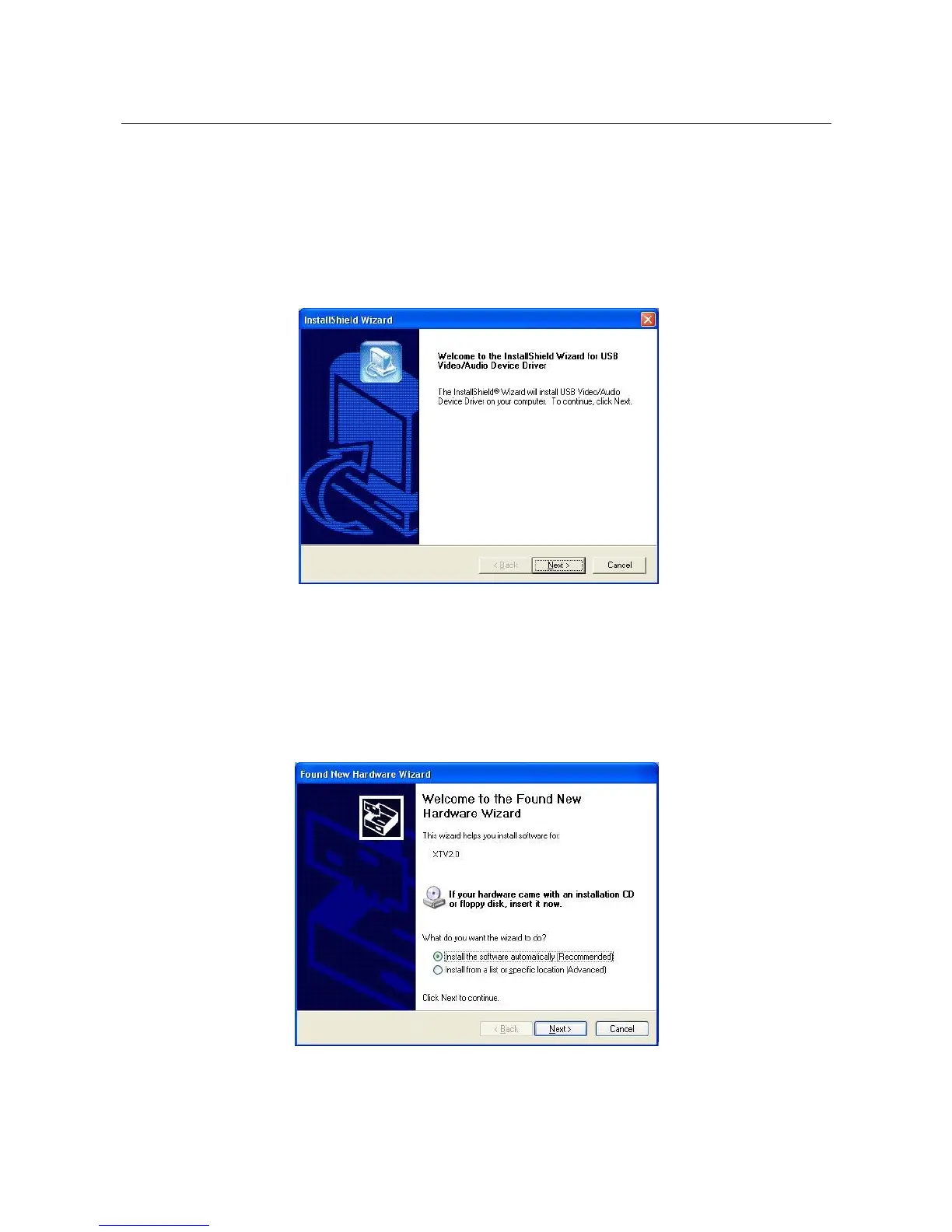
2.3.1. Please insert "Multimedia Installation Kit" CD-ROM into your
CD-ROM drive; Run " E:\XTV20\Driver\SETUP.EXE "; (assuming
CD-ROM drive in E drive)
Click "Next"
2.3.2. Complete Setup Wizard; Click "Finish"
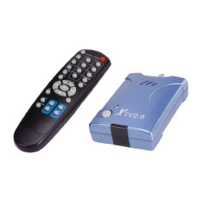
2.3.3. Plug the XTV device into computer’s USB2.0 port; System will
detect new Video device as below.
Choose “Install the software automatically (Recommended)”
And Click “Next”
_____________________________________________________________
5


 To Next Page