Page 3 MNVCSM42A_1511_EN
1 Introduction
1.1 Contents of the package
1 programmable video matrix SM42A / SM82A
1 instruction manual
1 wide range power supply 100 - 240V~ 47/63Hz in, 12V
= 1A out, including cables
1 DB15 connector
2 telephone boxes RJ-jack
RJ11 telephone cables, 6 pins point-to-point
When the product is delivered make sure the package is intact and has no obvious signs of dropping, scrapes
and scratches. If the package is damaged contact the supplier immediately.
1.2 Contents of this Instruction Manual
This manual describes the video switcher SM42A / SM82A, with its specific procedures for installation,
configuration and use. Before installing and using the video switcher, read this manual carefully,
especially the section concerning the safety rules.
1.3 Typographical conventions
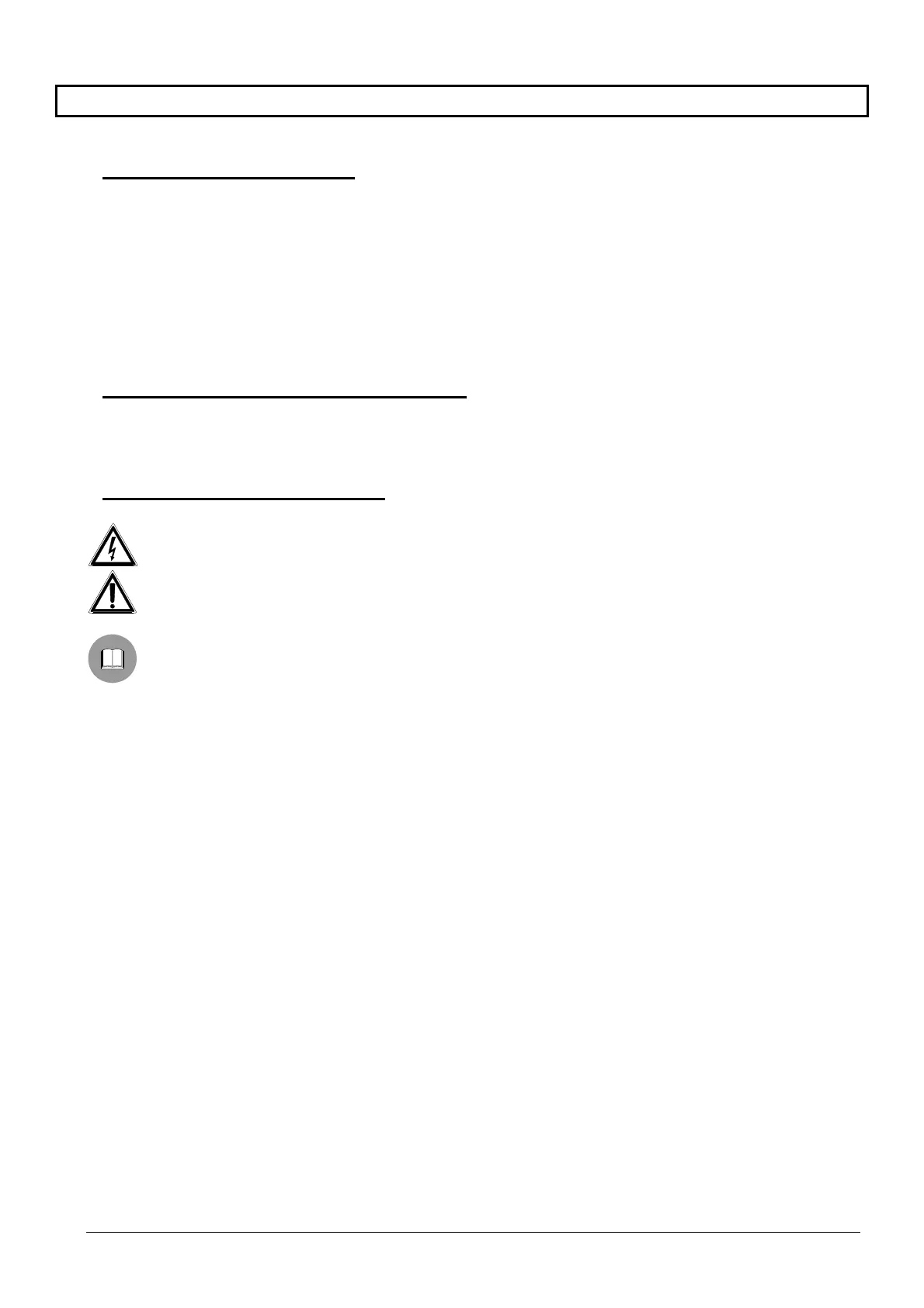
This manual makes use of different graphics symbols, the meaning of which is described as follows:
Hazard of electric shock; disconnect the power supply before proceeding, unless specified otherwise.
Please read the procedure or information shown, and if necessary carry out the instructions in the way.
Failure to carry out the procedure correctly could lead to faulty operation of the system or damage it.
Read carefully to understand system operation.



 To Next Page