29
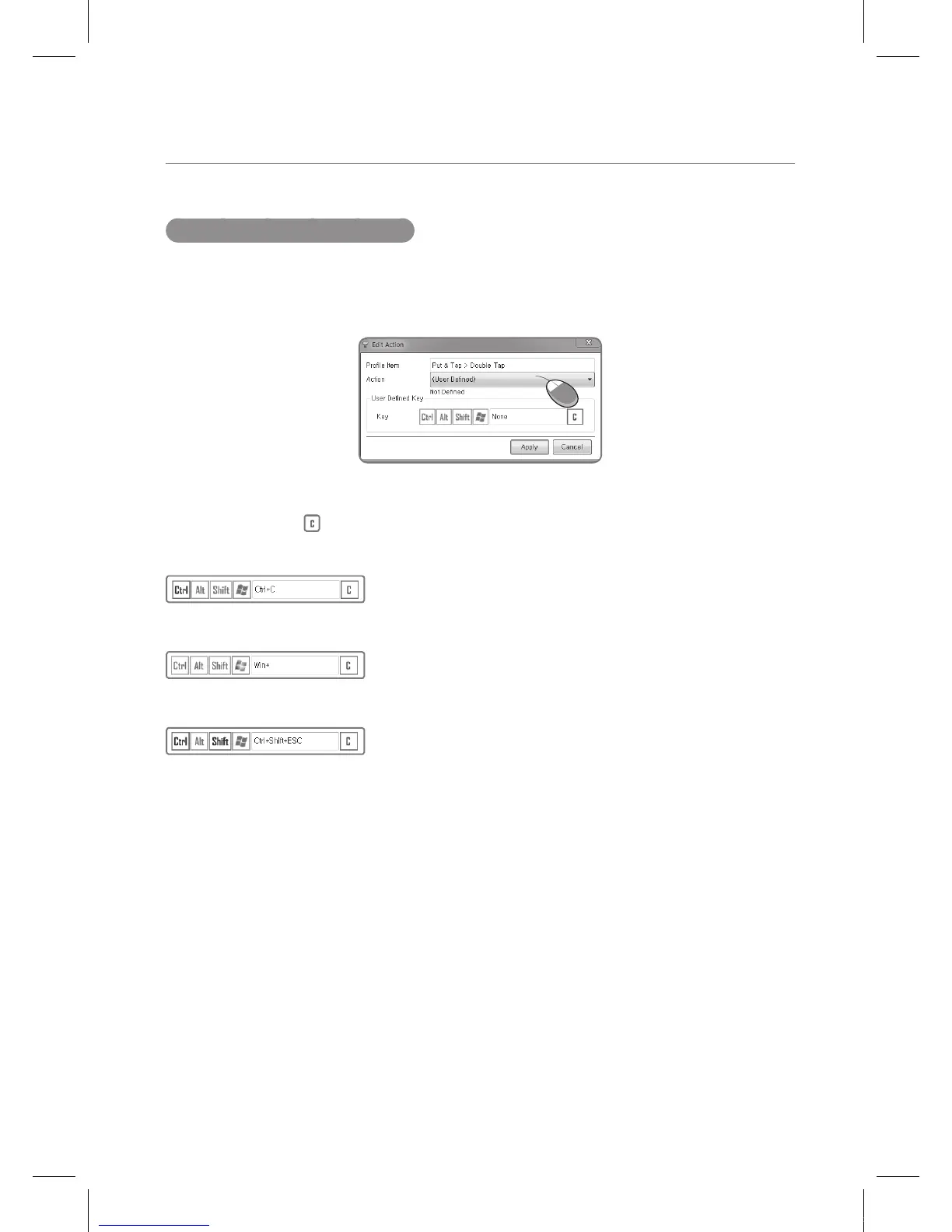
Entering User Defined Keys
User Defined Keys and Function Keys are reoccurring actions from the above four examples.
Below are ways to configure these two items.
Editing a User Defined key is as follows.
Choose the Ctrl/Alt/Shift/Win buttons and type in the character that one wants to select a
combination of. (The key is the Clear key.)
Example: Ctrl + C
Example: Window key
Example: Ctrl + Shift + Esc
One can simply type in the sequence or select from above.
IEB_UM_Vidi_Euro.indd 29 2013-03-11 오후 1:27:52



 To Next Page