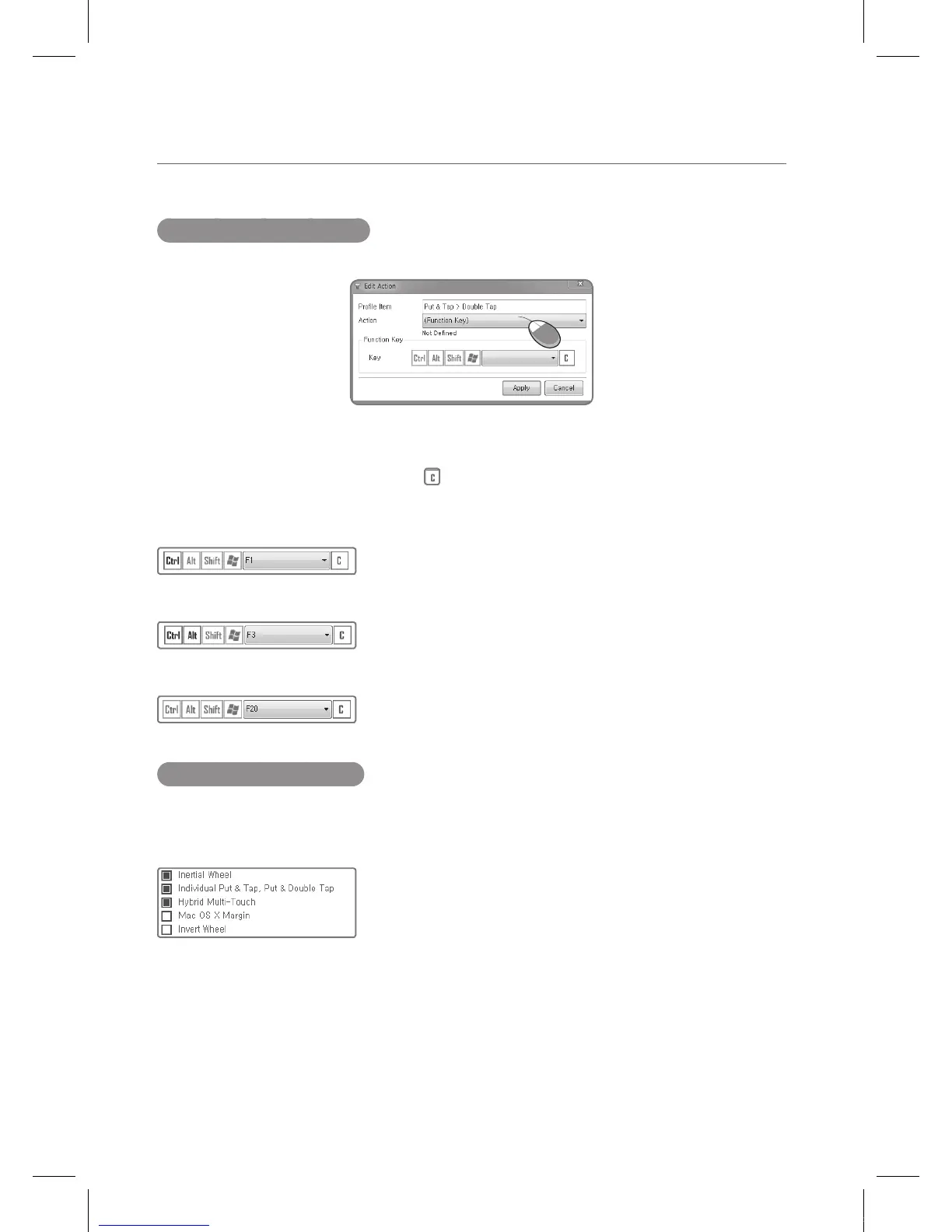
Entering Function Keys
Entering the function keys to edit a profile is as follows.
One can key in the sequence on the keyboard or select from the Ctrl/Alt/Shift/Win keys and
press the function key on the keyboard. ( is the Clear key)
Example: Ctrl + F1
Example: Ctrl + Alt + F3
Example: F20
Expanding the Profiles
On the bottom of the Mouse menu, is four features that are related to each Profile. They go on
and off as one goes from General to Windows 7 to Games, etc. One can also turn them on and
off by toggling them.
IEB_UM_Vidi_Euro.indd 30 2013-03-11 오후 1:27:56



 To Next Page