16
Slide Show Menu WPrev NextX
Playing Picture CD discPlaying Picture CD disc
Playing Picture CD discPlaying Picture CD disc
Playing Picture CD disc
Place the picture CD on the disc tray correctly, the unit will read the disc and play it automatically,
if the disc can not play automatically, press the button BF to play.
When the picture is displayed on the TV screen, you can press the
0/10,10+, 1-90/10,10+, 1-9
0/10,10+, 1-90/10,10+, 1-9
0/10,10+, 1-9 buttons on the
remote control to select the desired picture on the disc then press the
ENTERENTER
ENTERENTER
ENTER button to start
playing.
Note:Note:
Note:Note:
Note: Play will continue until the final picture or when the selected pictures have been played.
When playing, use the
MENUMENU
MENUMENU
MENU button or L button to select different play mode. These play modes
list as the following:
Note:Note:
Note:Note:
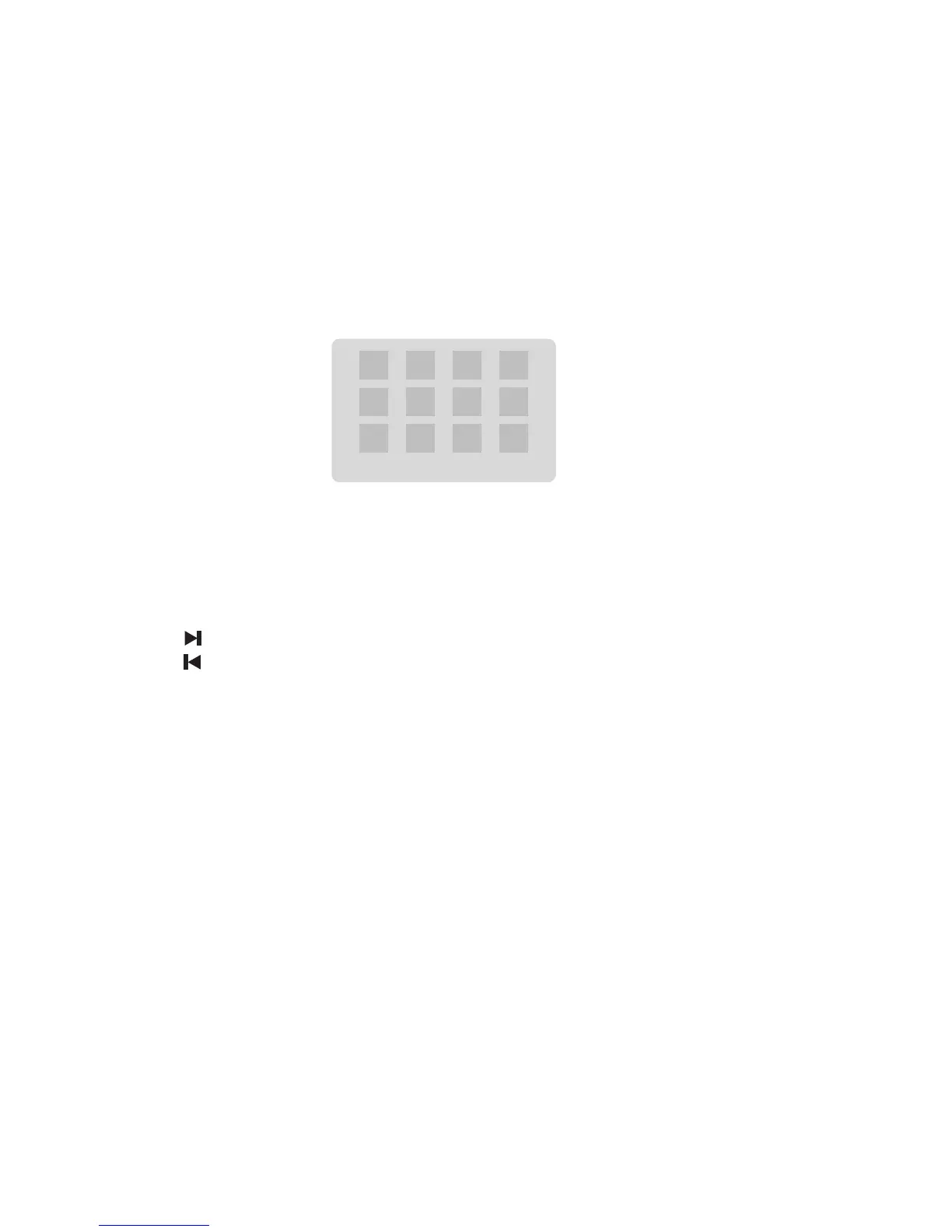
Note: When playing a picture CD, press the L button to enter the “THUMBNAIL MODE”, use the
S,T,W,X
buttons to move the cursor to illuminate the “MENU” then press the
ENTERENTER
ENTERENTER
ENTER
button to enter the “REMODE KEY FUNCTION” list.
STOP : THUMBNAIL MODE
: NEXT PICTURE
: PREVIOUS PICTURE
PLAY : PICTURE MODE
C : ZOOM IN
D : ZOOM OUT
ZOOM : SWITCH ZOOM MODE
S,T,W,X : PAN IN ZOOM MODE
Note:Note:
Note:Note:
Note:
Slide Show : Selections played in a random order
Menu : Display “Remote Key Function” list
Prev : Display previous 12 pictures of disc
Next : Display next 12 pictures of disc
You may need use the K button on the unit to stop playing and open the disc tray.


 To Next Page