20
ViewSonic Corporation Confidential - Do Not Copy PJ503D-1
1.3 DMD Panel Alignment
Equipment:
- Pattern Generator
Procedure:
1. Connect power, Video signal into projector.
2. Light on projector
3. Change pattern generator to full white pattern.
4. Watch the image if any pixel lost
5. Change pattern to full black.
6. Watch the image if any pixel lost
7. Change pattern from full black to full white.
8. Watch the image if any pixel can not return
9. Change pattern from full black to full white.
10. Watch the image if any pixel can not return
11. If above 8 step has some pixel lost or can not return, it’s DMD chip has pixel defect
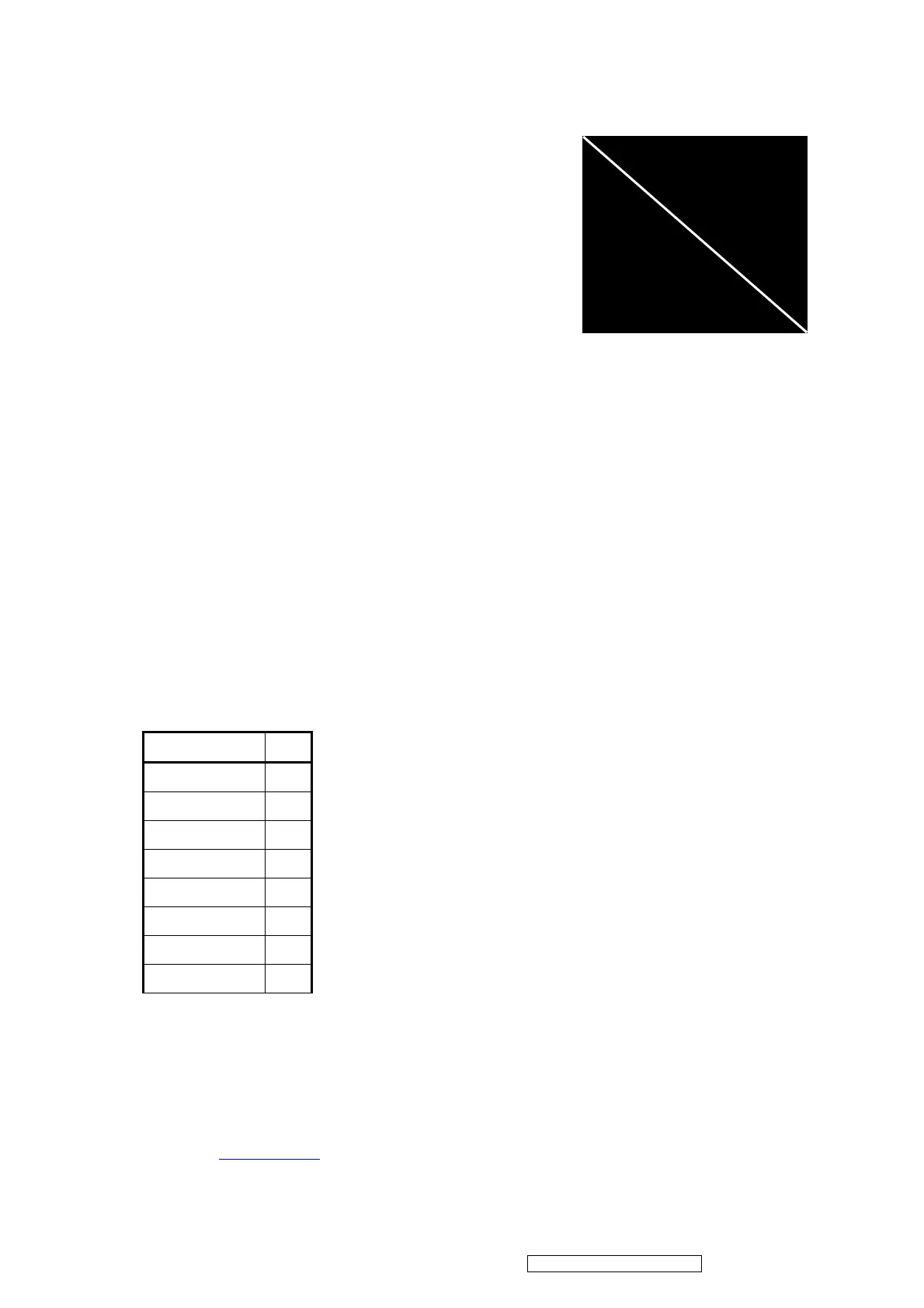
12. Change to the Slid Line pattern
13. Watch the image if any pixel lost
14. If above step has some pixel lost, it’s conductive socket has defect or assembly loosed.
1.4 PC Alignment Procedure
Equipment:
- Pattern generator (Chroma-2250)
OSD Default value:
Item Value
Cal R Offset 127
Cal G Offset 127
Cal B Offset 127
Cal R Gain 127
Cal G Gain 127
Cal B Gain 127
YPbPr R Offset 122
YPbPr B Offset 122
Procedure:
Gray Level:
1. Connect power, D-sub, into projector.
2. Change Timing and pattern of pattern generator:
3. Timing: 800*600@60 for PE5120
4. Pattern: As Figure1 {A near white color (240,240,240) and a near black color(16,16,16), the
area of white is 101/200, black is 99/200}


 To Next Page