Conguring Client Settings
ViewSonic Client Setup
28
4.1.2 Client Settings at a Glance
The following table provides a brief description of each setting item under four main setting categories.
Tab Setting Item Section Page
System
• Conguring passwords
• Conguring remote assistance settings
• Updating rmware
• Taking snapshots for mass deployment
• Enabling/Disabling the Appliance mode
• Conguring UWF (Unied Write Filter) settings
4.2 Conguring System Settings 29
Devices
• Conguring settings for USB storage devices
• Conguring settings for audio devices
4.3 Conguring External Device Settings 47
User Interface • Conguring the display of service access shortcuts 4.4 Conguring User Interface Settings 50
Applications
• Conguring Microsoft RDP connection settings
• Conguring Citrix ICA connection settings
• Conguring VMware View connection settings
• Conguring Web browser session settings
4.5 Conguring Service Access Settings 52
NOTE
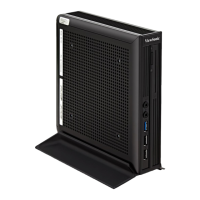
• The table above is only applicable to ViewSonic SC-T47 thin clients running
Windows Embedded 8 Standard. The available setting categories and items of the
ViewSonic Client Setup console for other Windows Embedded-based, Linux-based,
and ARM Linux-based thin clients might be dierent.


 To Next Page