43
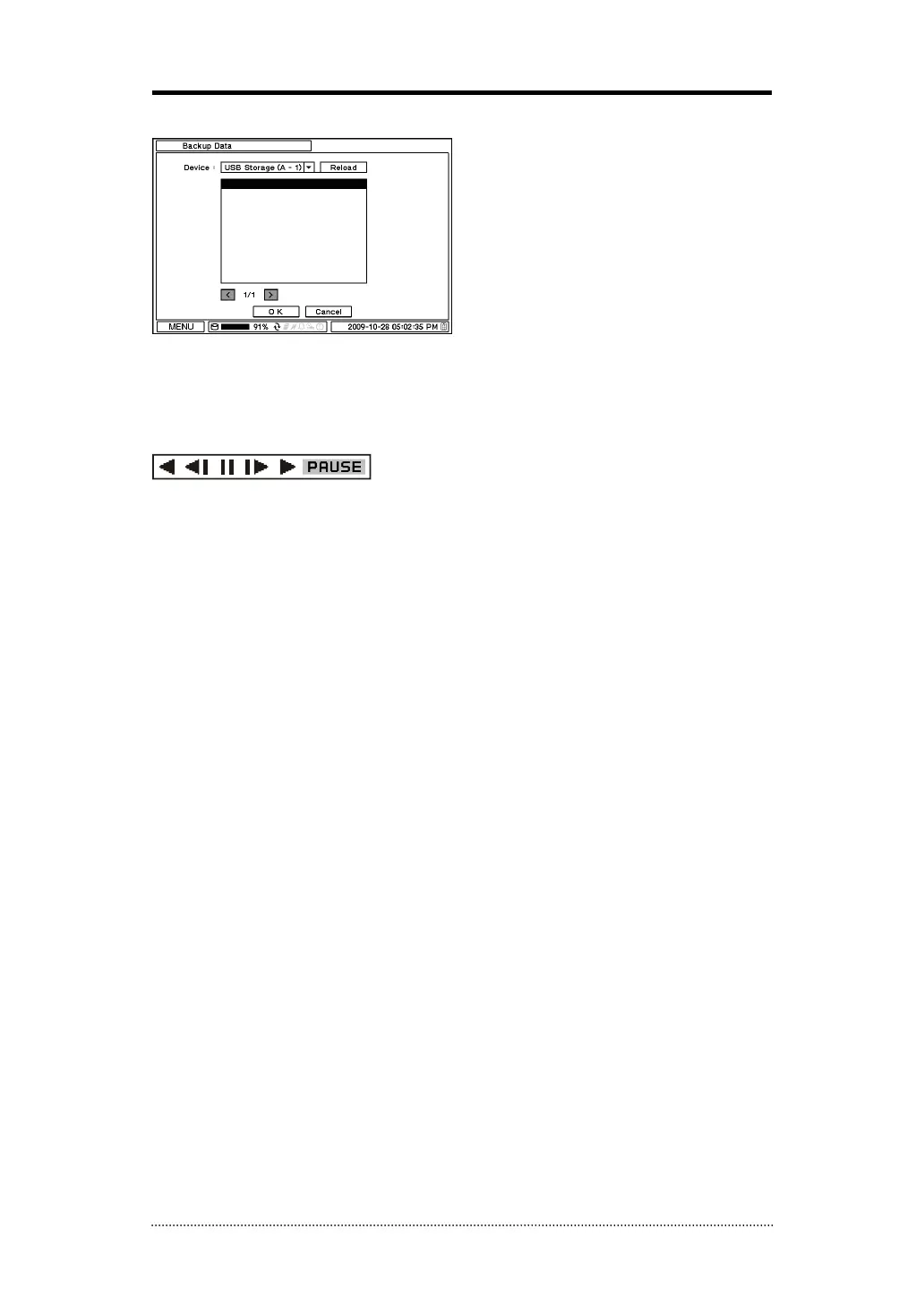
3-5. Backup Data Playback
Backup files on backup medias can be played on DVR. Insert the media with backup files and
select a file to playback it on DVR.
3-6. Playback Control
R.Play: Reverse Playback
Step Backward: Go to the previous image
Pause: Freeze or Stop current image
Step Forward: Go to the next image
Play: Play the data at normal speed
To control the backward and forward playback speed, press on ◀ or ▶ repeatedly. Playback
speed can increase up to x32.



 To Next Page