49
Click OK to save information and complete the registration.
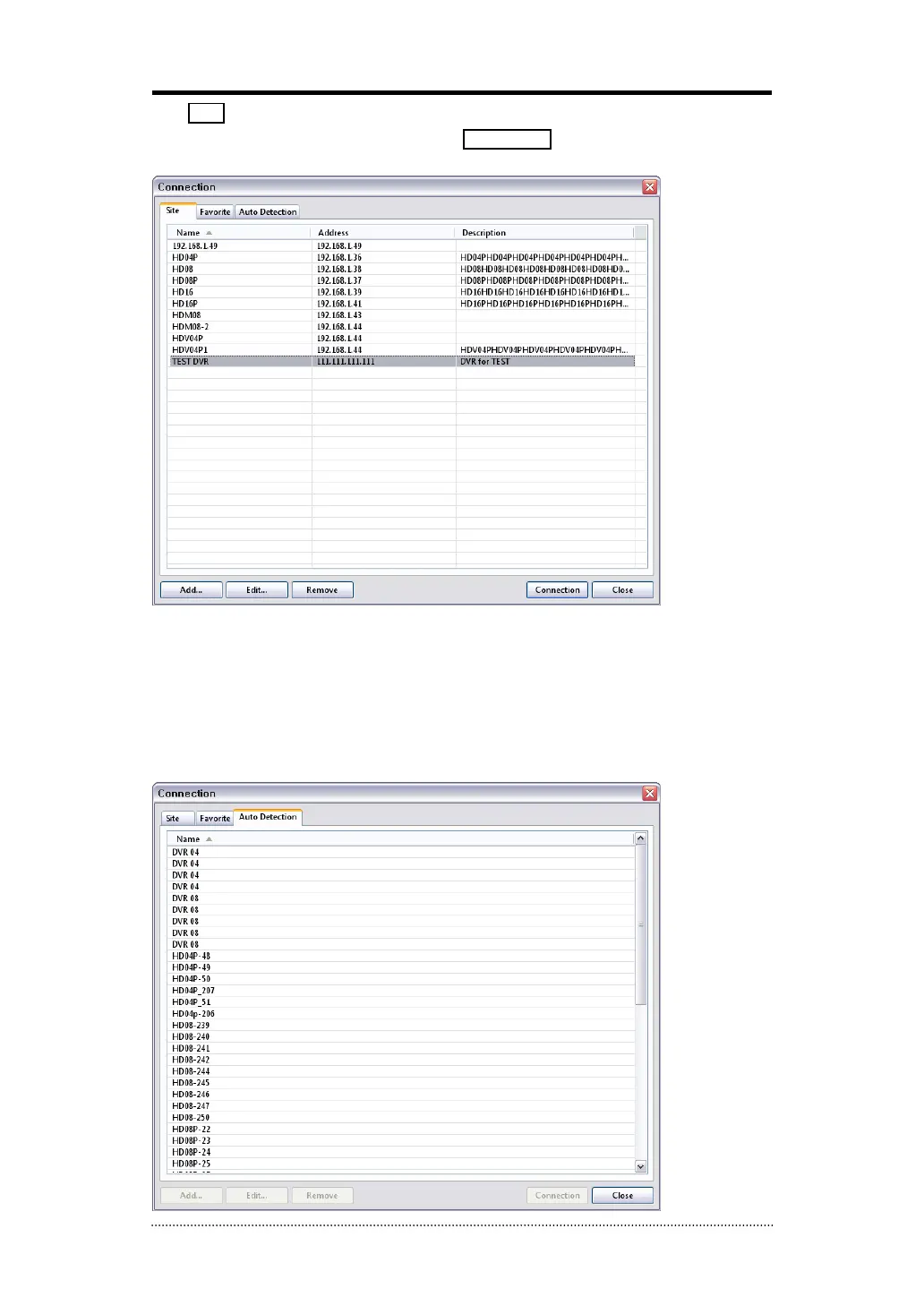
Double click the location or Highlight it and click Connection button to get connected to the
site.
The DVR and Client program on PC start searching each other once they are on the same local
network. The Auto Detecttion menu shows the DVRS detected on the same local network.
Note
: This function is only available on local networks. No settings are required if both DVR and
PC use DHCP. But if the Static IPs are used, DVR and PC need to have same subnet info and with
different static IP addresses.



 To Next Page