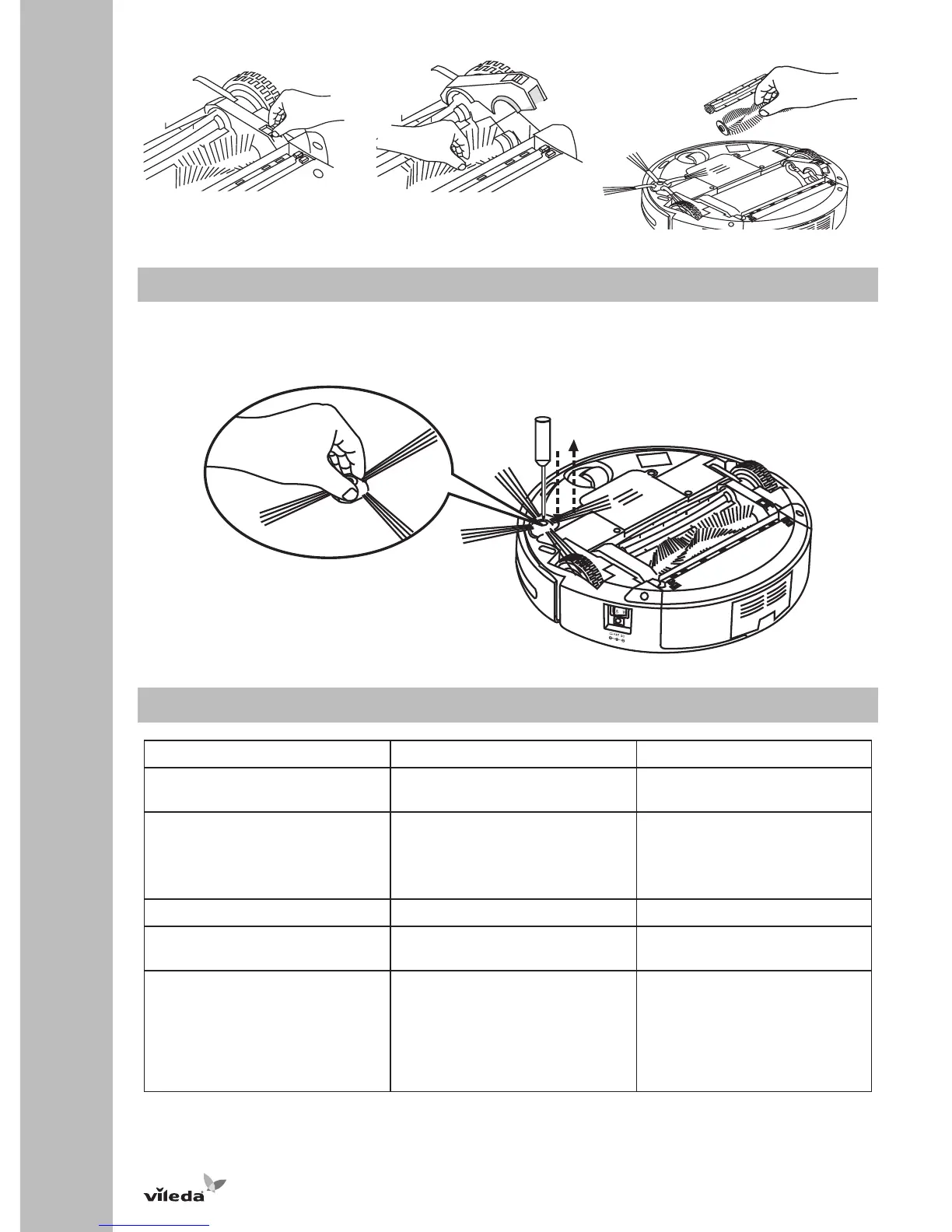
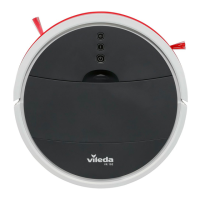
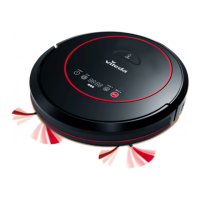
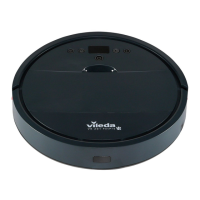
Replacing Side Brush
1. Turn off the power switch and put the robot on a flat surface with its bottom up.
2. Use a cross-head screwdriver to loosen the screw and remove the side brush.
3. Insert new side brush and tighten the screw.
Troubleshooting
Problem Possible reason Possible solution
Robot does not detect cliffs. • Cliff sensors are dirty. • Clean the sensors with a dry
cloth.
Robot stops cleaning or does not
start cleaning and all light
indicators are flashing.
• Main brushes are jammed
• Drive wheels are jammed.
• Dustbin is not inserted correctly.
• Clean main brushes and
restart.
• Clean drive wheels and restart.
• Insert dustbin and restart
Central light indicator is flashing. • Low battery. • Recharge battery.
Robot only moves in circles in the
same position.
• One wheel is blocked. • Remove hairs and dirt from
wheels.
Timer does not work. • No battery or low battery.
• Timer is not synchronized.
• Distance between Timer and
robot is too big.
• Insert charged battery.
• Synchronize Timer (see section
"Using the Product").
• Ensure that distance between
Timer and robot is less than
10m.


 To Next Page