Vincent
23
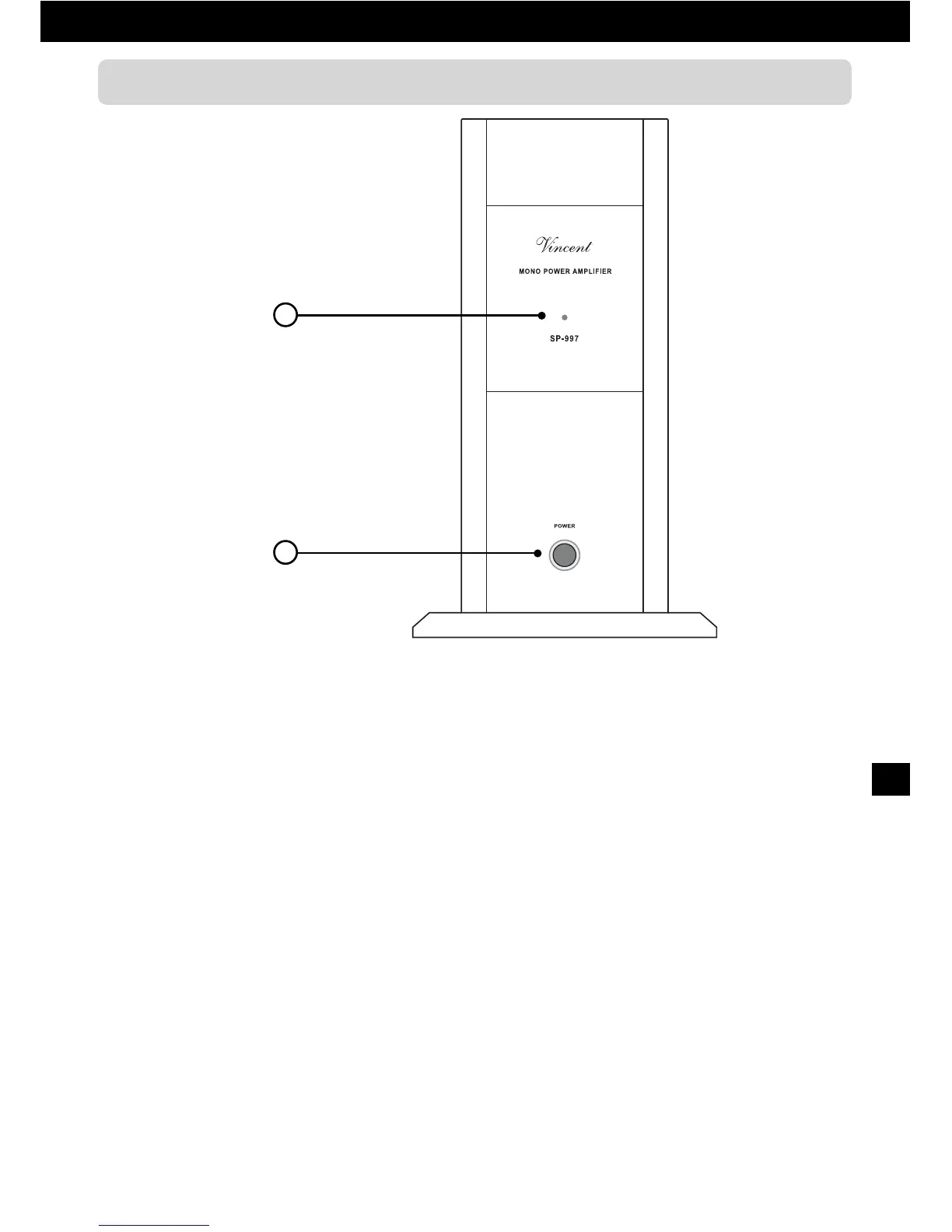
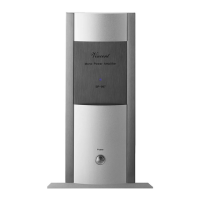
1. POWER: on/off switch
This button turns the unit on and back into stand-
by mode. If none of the POWER CONTROL
sockets (6) is in use you can activate and deacti-
vate an automatic-shutoff function using the switch
“AUTO” (4). If a “POWER CONTROL” cable is
connected the on/off signal via Power Control
Cable determines if the main amplifier is switched
on or in standby mode and the “POWER” button
is inoperable.
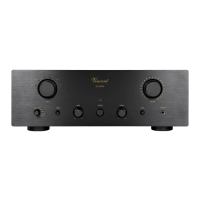
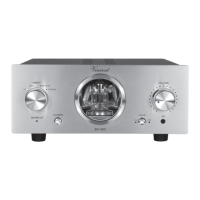
FRONT VIEW
2
1
2. POWER indicator LED
This LED is lit as long as the device is active (swit-
ched on or activated via “POWER CONTROL”).


 To Next Page