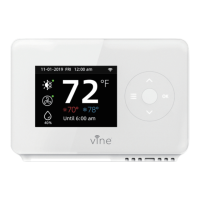
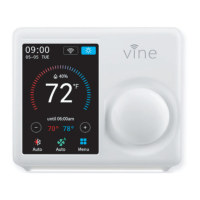
Fan Setup
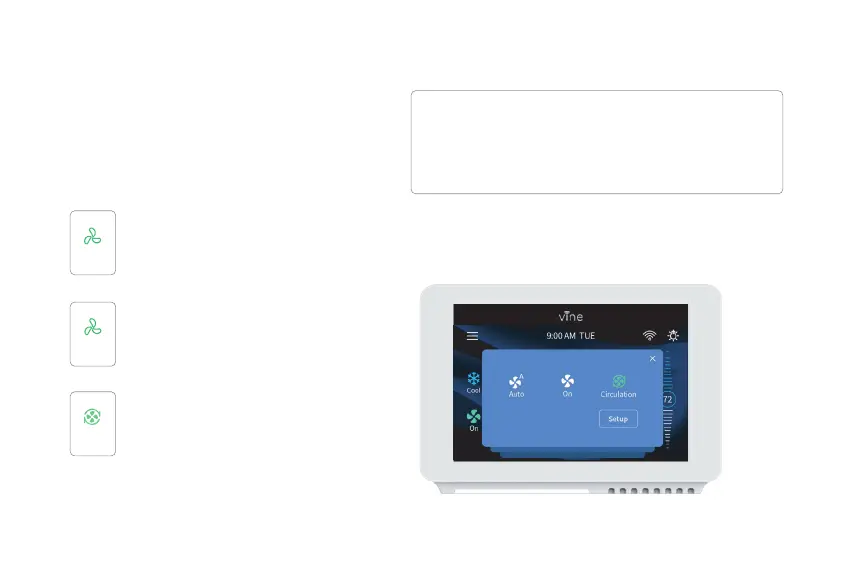
The Fan menu displays the current furnace fan
setting. Depending on your system, one or
more of the following options are shown:
On Thermostat:
Force fan to run continuously, regardless of
the scheduled programming.
Enable fan when the system is actively
heating or cooling your home, or to satisfy
the Minimum Fan Runtime setting.
The Fan will turn on and off one a user
programmed schedule (Circulation
schedule can be programmed on the
device and the app).
On
A
Auto
Circulation
Select Main Menu > Fan, tap the Fan Mode icon on
the Home Screen to select your system mode of
thermostat between: Auto, On, or Circulation.
28


 To Next Page