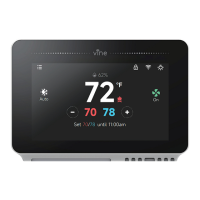
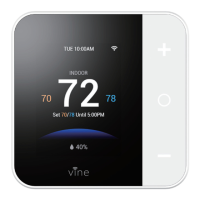
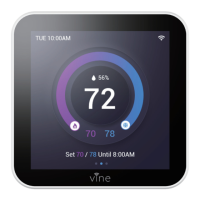
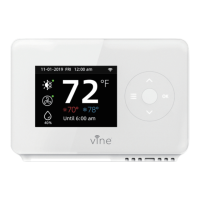
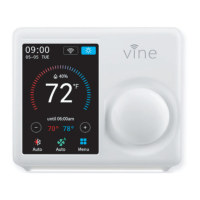
Except from the afore-mentioned basic settings, Vine Smart Wi-Fi Thermostat also provide possibility to connect to
the Alexa and Google Assistant, hence control your room temperature through a simple voice comes true. Follow
our instructions below to get connected with Alexa/Google.
Advanced Features
Download and register the thermostat as instructed in page 1 ~ 39.
Download Amazon Alexa app and set up your Alexa-enabled device.
Tap "Menu" button on the upper left corner of Alexa app main screen.
IMPORTANT step - link Skill.
Tap "Skills" in Alexa app menu.
Type and search "Vine Control", then choose and tap "enable" to enable the skill.
Enter the Vine Control APP account and password, then tap “Link Now” to link your Vine Control account to
Alexa Skill.
Now you can control your thermostat over Amazon Alexa.
How to connect to Alexa?
1 .
2 .
3 .
4 .
1
2
3
4141


 To Next Page