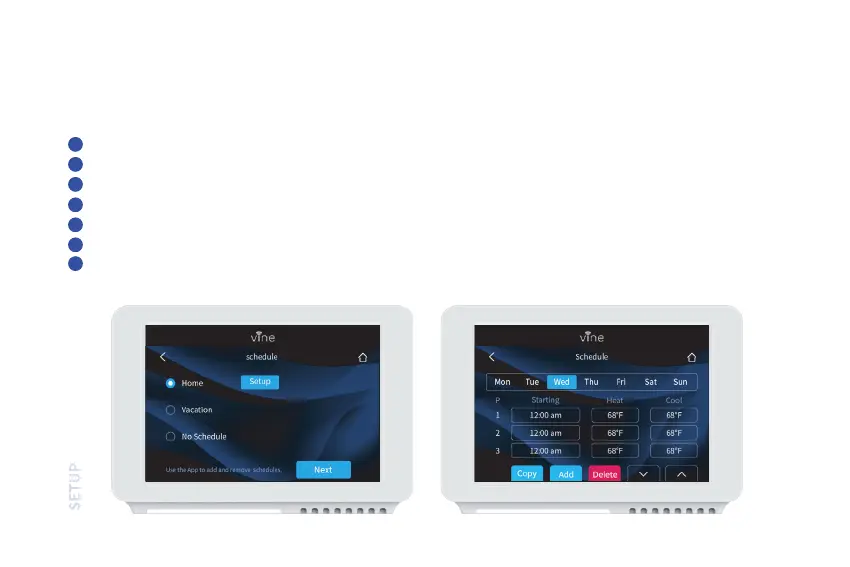
There are only two default schedules (Home and Vacation) available for selection when the device is offline. If the
Internet connection is established, you may have up to 4 schedules, follow steps below to program:
Programming Schedules
Select “Schedule.”
Select which day type you want to edit: weekdays or weekend.
Select which set point you want to edit.
Adjust the set point using the up and down arrows.
Use the arrow in the upper left hand corner to save and return to the set points.
Continue to edit the set points as you desire.
Use the arrow in the upper left hand corner to return to “Schedule” screen.
1
2
3
4
5
6
7
32



 To Next Page