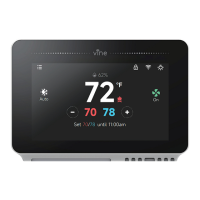
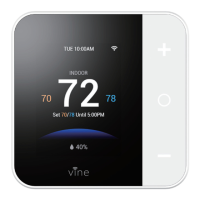
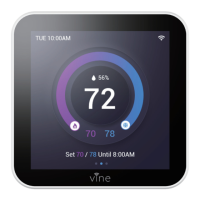
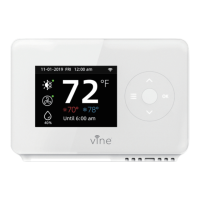
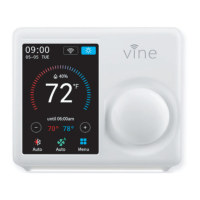
Download and register the thermostat as instructed in page 1 ~ 39.
Download Google Home app and set up your Google-enabled device.
Tap "+" button in the middle of the Google Home app screen.
IMPORTANT step - link Action.
Tap the sidebar menu on the upper left corner of the main page of Google Home, select "Home Control".
Tap the "+" button on the lower right corner and search for "Vine Control"
Top open "Vine Control" and select country, then enter app account/password and tap "Link Now" to link
your Vine account to Google.
Enter the Vine Control app account and password, then tap “Link Now” to link your Vine Control account to
Alexa Skill.
Now you can control your thermostat over Google Home.
How to connect to Google Assistant?
1 .
2 .
3 .
4 .
1
2
3
4
43


 To Next Page