8
苏州万佳电器有限公司
Suzhou wanjia Electric Co.,Ltd.
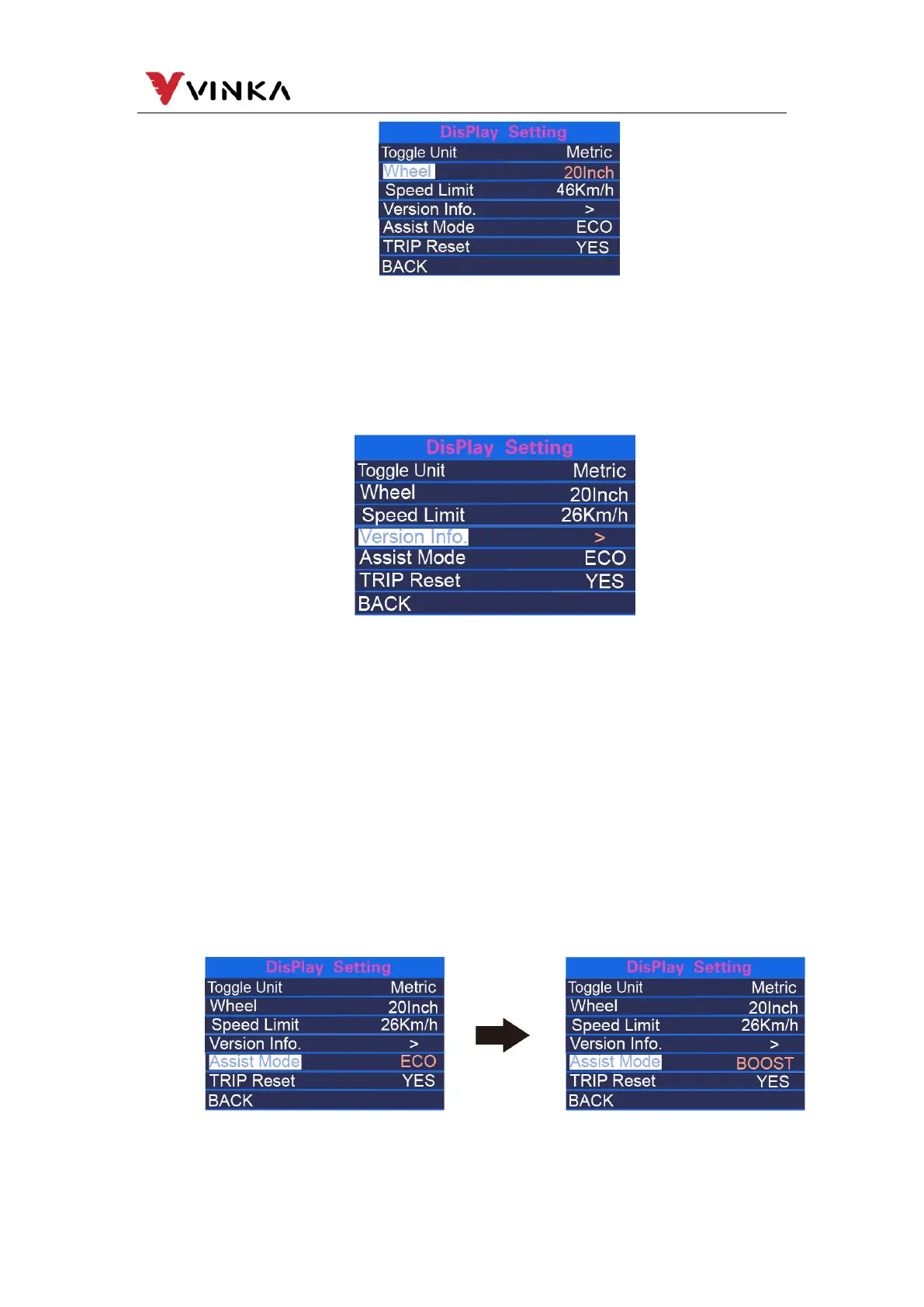
(4). Version Info
Version Info refers to the version information, short press the MODE button to
query the version information of the controller and the instrument.
(5). Assist Mode
Version Info refers to the version information, short press the MODE button to
query the version information of the controller and the instrument.
Assist Mode refers to the setting of the assist mode. After pressing MODE
button(<1s), press UP button or DOWN button to select the type of assist gear that
suits you, and then press MODE button to confirm and store the changed settings.
Or you can directly press and hold MODE button on the main page to change the
power-assisted gear type.
Assist type switching interface



 To Next Page