User’s Manual
Install the Viola Configurator
Follow these instructions to install the device configuration software:
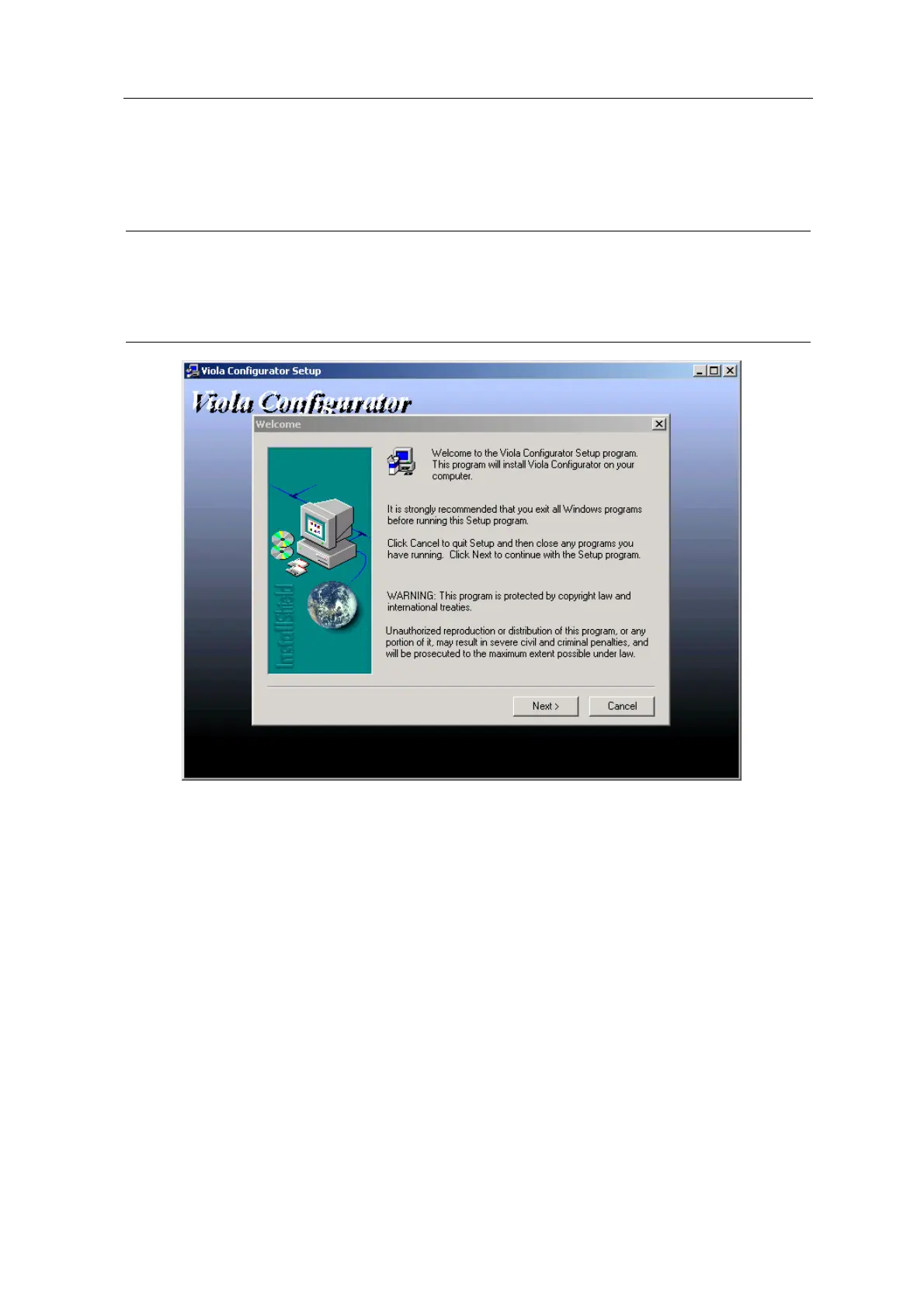
1. Insert the product CD in the CD-ROM drive. This should automatically launch the
installation window.
Note: If the autorun feature of the CD-ROM is switched off on your system, you can still install the
software A) through the file manager for the OS or B) using the Run-command. In case A:
Start Windows Explorer (Start Æ Programs Æ Accessories Æ Windows Explorer), from
My Computer select the CD-drive and start setup.exe. In case B: Start the Run-command
prompt (Start Æ Run), enter your CD drive letter, colon, backslash and setup.exe (fo
example D:\setup.exe) and press Enter or click OK.
2. Click Next runs the installation wizard. Follow the instructions on the screen and confirm
commands to install the software.
ESERV-10 16 Viola Systems Ltd.


 To Next Page