- 113 -
To select an archived file for playback, please click on File menu, and then select Open.
After an archived file is opened, the user may click on the player buttons to play the file.
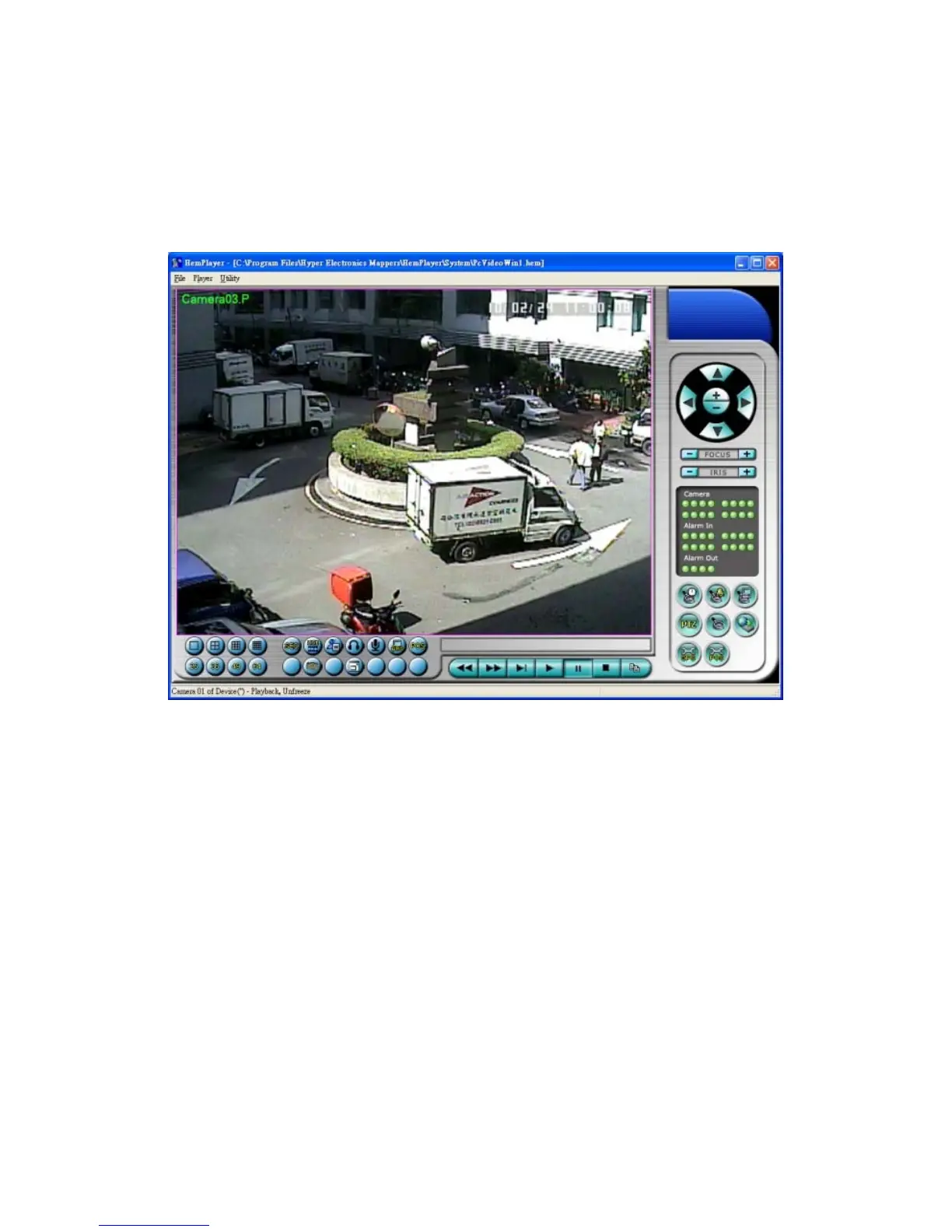
The following diagram shows the screen after the Play button is pressed.
The user may print the whole player screen (including the current video image) or the
current video image by selecting File menu, and then select Print or Print Video
respectively.


 To Next Page