- 49 -
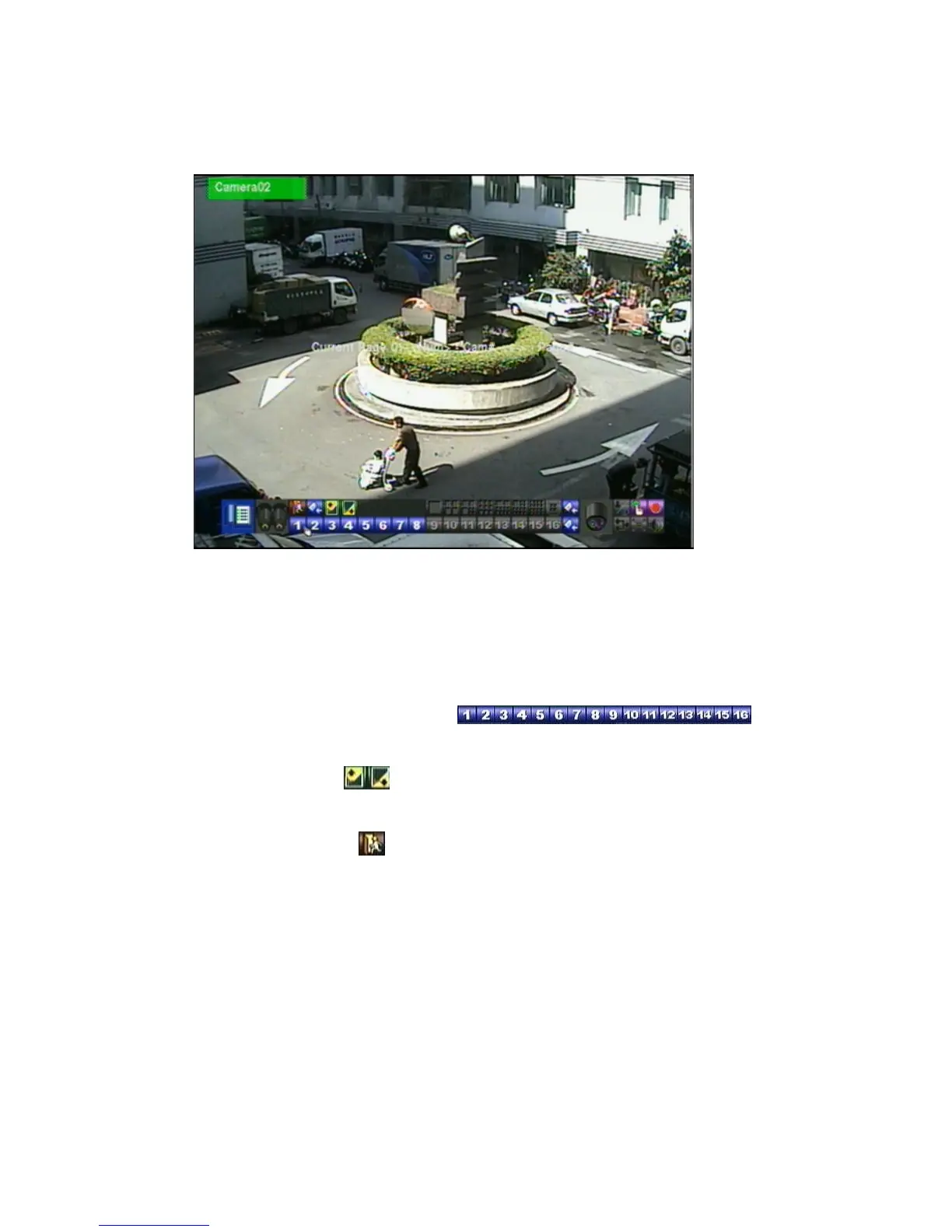
In Display Page Setup, the split window display for the current page is shown.
And the title of the camera for the focus window
is highlighted. Following is a
brief description for the operations:
▲▼◄► (Mouse: Left click)
Press these buttons to move the focus window.
Numeric (ENTER) (Mouse:
)
Press these buttons to change the camera for the focus window.
+/- (Mouse:
)
Press these buttons to change the current page for this SEQ Display Type.
ESC (Mouse:
or Right Click)
Press this button to escape from Display Page Setup, and return to SEQ
Display Setup.


 To Next Page