USER’S MANUAL
03
digital satellite meter
04
THE PROFESSIO NAL EQUIPMENT
digital satellite meter
1. Menu:Press to display the main menu on the screen
2. F1: Turn on or off the LCD screen
3. F2: In standby mode, when you can not turn off the finder
through , press and hold F2 key for 2 seconds to
force shutdown the finder
4. 0-9: Press to enter required numbers in the input box or
select a channel to watch
5 . PGUP: Open or close the voice when signal is locked
6. Exit: Press to return to the previous menu or escape from
the item
7. : Move cursor up/down/left/right,Page
up/down,volume +/-
8. Mute: Press to temperarity cut off the sound of the program
9. Scan: Press to enter the Auto Scan menu
10. Sat: Press to display the satellite list of searched channels
11. Back: Moves to the previous channel
12. Pause: Press to switch between Pause and Play
13. : Press to swith between Operation and power off modes
14. Info: Press to show information of the current channel
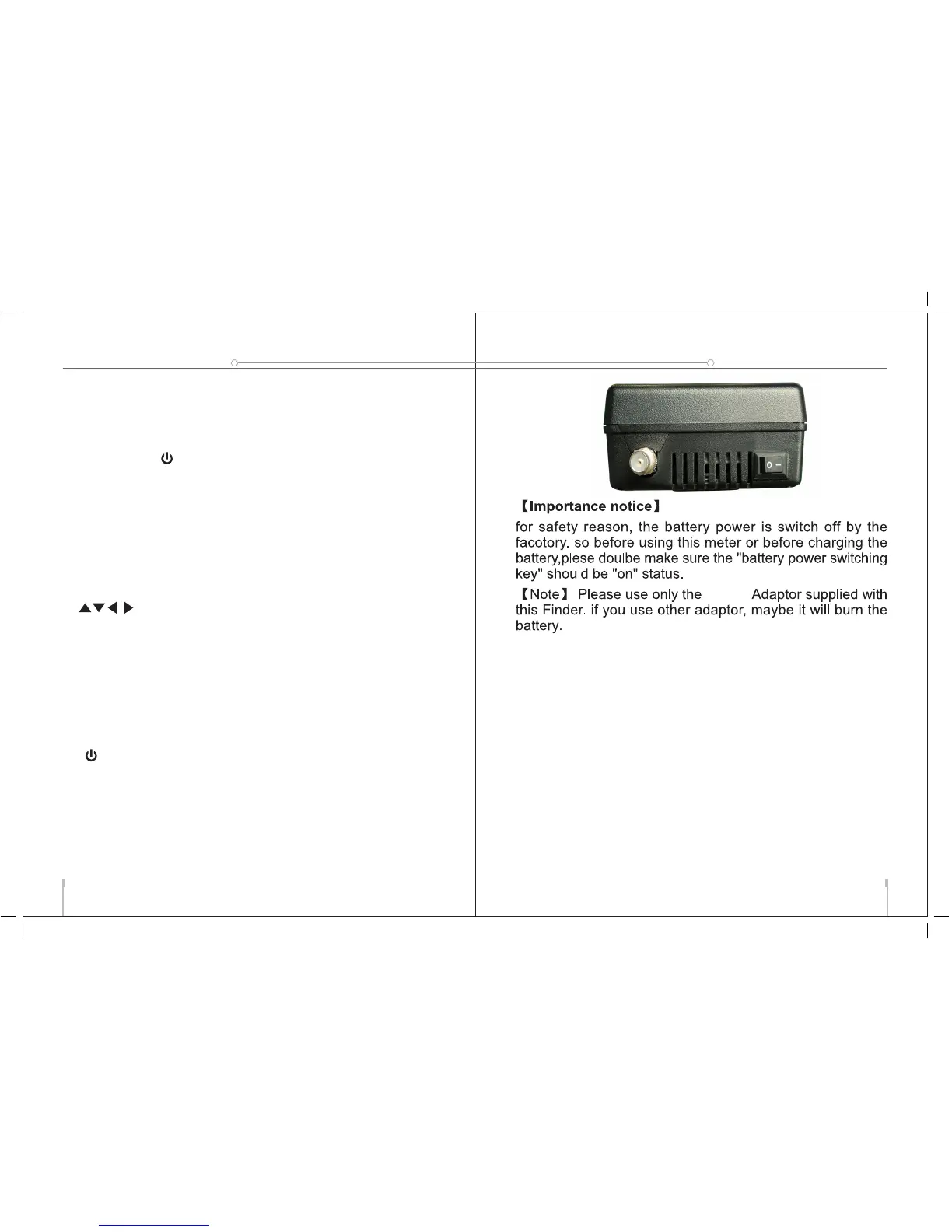
15. Power:To switch on/off the battery power
16. Charge port: To connect with the charger cord.
17. USB Port: Connect to PC to upgrade.
USER’S MANUAL



 To Next Page