22
© 2005 directed electronics, inc.
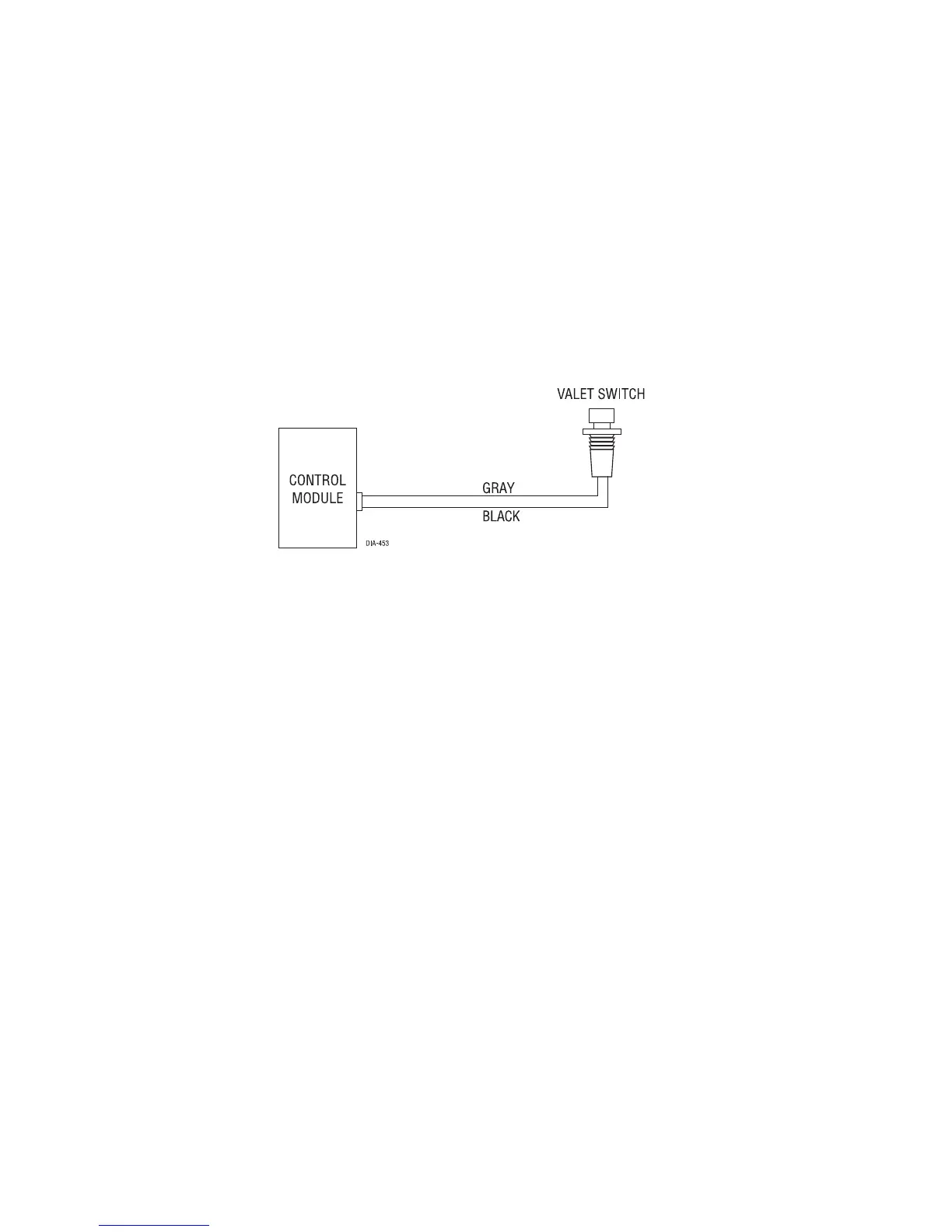
valet/program button, 2-pin BLUE plug
The Valet/Program button should be accessible from the driver’s seat. It plugs into the
BLUE port on the side of the unit. Since the system features Valet® by using the remote
transmitter, the button can be well hidden. Consider how the button will be used
before choosing a mounting location. Check for rear clearance before drilling a
9/32-inch hole and mounting the button.The GRAY wire in the two-pin plug may also
be used as a (+) ghost switch input and can be connected to any (+) switch in the vehi-
cle. (See Feature Descriptions section of this guide.)
data port—Bitwriter
®
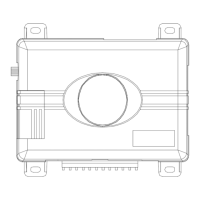
The black three-pin port can be used for programming the unit using the Directed
Bitwriter, a hand held programming tool. The Bitwriter also allows programming of
features that are not available in the feature menus.


 To Next Page