13
Viscount Chorum
User Manual
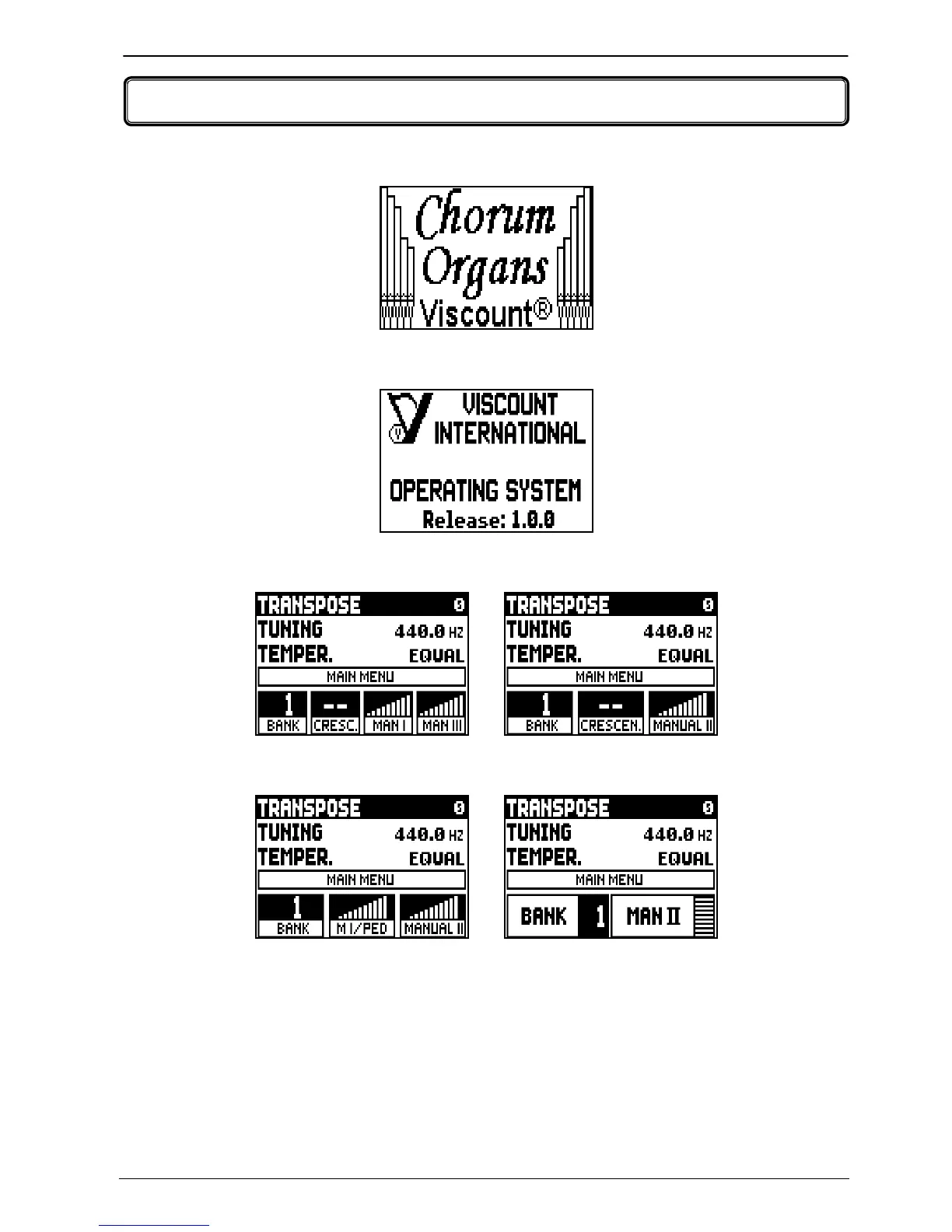
After switching on the instrument, the display shows the introduction page,
then, the current version (Release) of the operating system,
the main video page appears in a few seconds,
On the top of this video page are the following parameters:
o TRANSPOSER: set the transposer.
o TUNING: fine tuning of the pitch, indicated as the frequency of A3 (an 8’ pipe).
o TEMPER. (Temperament): selector for setting historical temperaments of various periods (for a
description of temperaments, see par. 10.2 and 10.3).
Here, as in all video pages, use the [FIELD S] and [FIELD T] buttons to move the cursor. When
selected by the cursor, fields invert colour.
3. SWITCHING ON AND MAIN VIDEO PAGE
Models with two expression pedals
and the [CRESCENDO] pedal
Models with one expression pedal
and the [CRESCENDO] pedal
Models with two expression pedals
Models with one expression pedal













 To Next Page