33
Viscount Chorum
User Manual
The Chorum organs can save the complete organ configuration (or parts of it) to a USB drive.
The configuration can then be recalled at any time. The main purpose of this function is to offer an almost
unlimited number of configurations; furthermore, a saved configuration can be used on a different organ
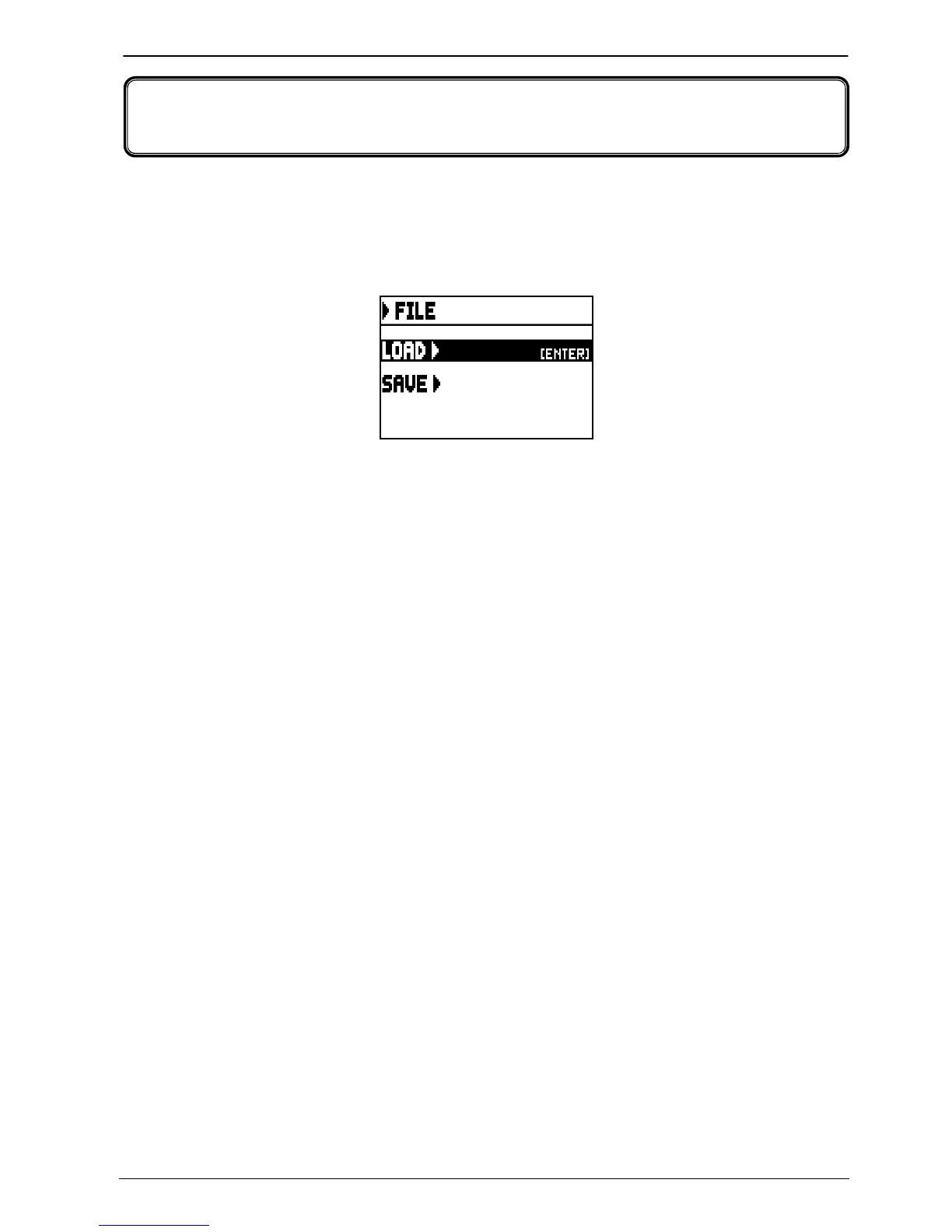
of the same series. To access the save and load function, select FILE on the MAIN MENU.
The video page
contains two functions:
o LOAD: load files from a pen drive (par. 7.2).
o SAVE: save the organ configuration to a pen drive (par 7.3).
To access a function, place the cursor on the corresponding field using the buttons [FIELD S] and [FIELD T]
then press [ENTER].
To leave the FILE menu press [EXIT].
7.1 INFORMATIONS CONCERNING THE USB PEN
When connecting a new or just formatted pen drive to the organ, access to the FILE menu the system will
automatically create two directories in the drive: “organ”. Inside this folder, five sub-folders are automatically
created. They are:
- ”alls”: this folder contains the .all files, with all the settings and functions of the SETTINGS and STYLE
(the four Styles) menus, all general and divisional combinations, Tutti, Crescendo steps, the selected Style and
the Local Off status of stops.
- “combinations”: this folder contains the .cmb files, with all the data on general and divisional
combinations, Crescendo steps and Tutti.
- “settings”: this folder contains the .set files, with all the settings from the SETTINGS menu, the selected
Style and the Local Off status.
- “songs”: this folder contains the .mid files of the songs recorded through the internal sequencer.
- “styles_all”: this folder contains the .sta files, with the settings from the STYLES menu regarding all four
styles.
- “styles_single”: this folder contains the .sts files, with the settings (STYLES menu) of the saved style.
These are system folders to arrange files, and they must not be deleted or renamed, otherwise the saved files will
be lost.
For a detailed description on the content of the .all, .set, .sta, .sts and .cmb files, read par. 10.4.
7. SAVING THE ORGAN CONFIGURATION TO FILES













 To Next Page