15
Viscount Chorum
User Manual
parameter that can be adjusted, the display shows the current value. To adjust a value, press the buttons
[VALUE +] and [VALUE -].
The fields of the MAIN MENU allow access to the following functions:
o SETTINGS: general instrument settings, equalizers, MIDI interface settings, audio outputs settings
(rear panel), factory settings reset and operating system update. These functions are described in
chapter X.
o STYLE: program organ Styles. This function is described in chap. 6.
o COMBIN. PRG (Combination Program Change): add Program Change and Bank Select MIDI
messages to combinations. This function is described in chap. 5.7.
o FILE: save and load files to and from an USB drive. Settings, Styles and combinations can be saved to
an external memory, the procedure is explained in chapter 7.
o DEMO: the instrument plays a demo song. This function is described in par. 10.1.
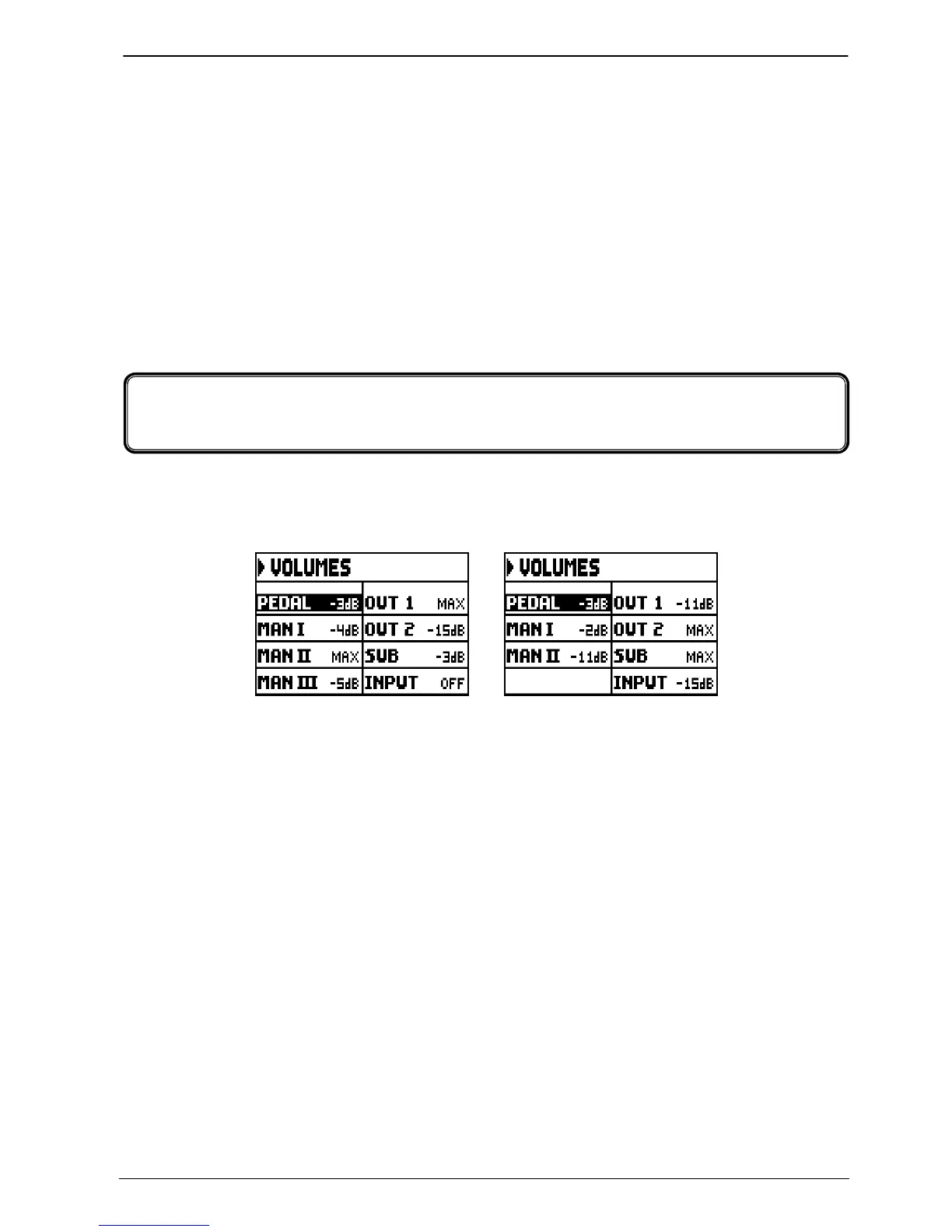
The Chorum organs allow the user to adjust all the volumes, in order to obtain a perfect sound balance
among the sections and between internal and external amplifications. To visualize the volume screen, press
the [VOLUMES] button:
Three-manual models Two-manual models
o PED (Pedal): pedal board divisional volume.
o MAN I (Manual I): first manual divisional volume.
o MAN II (Manual II): second manual divisional volume.
o MAN III (Manual III): third manual divisional volume.
o OUT 1: volume of the two [OUT 1] outputs on the rear panel.
o OUT 2: volume of the two [OUT 2] outputs on the rear panel.
o GEN.SUB: volume of the [GEN. SUB] output on the rear panel.
o INPUT: volume of the signal received by the [INPUT] connectors under the manuals.
To return to the previous video pages, press [VOLUMES] or [EXIT] or wait five seconds.
4.













 To Next Page