29
Viscount Chorum
User Manual
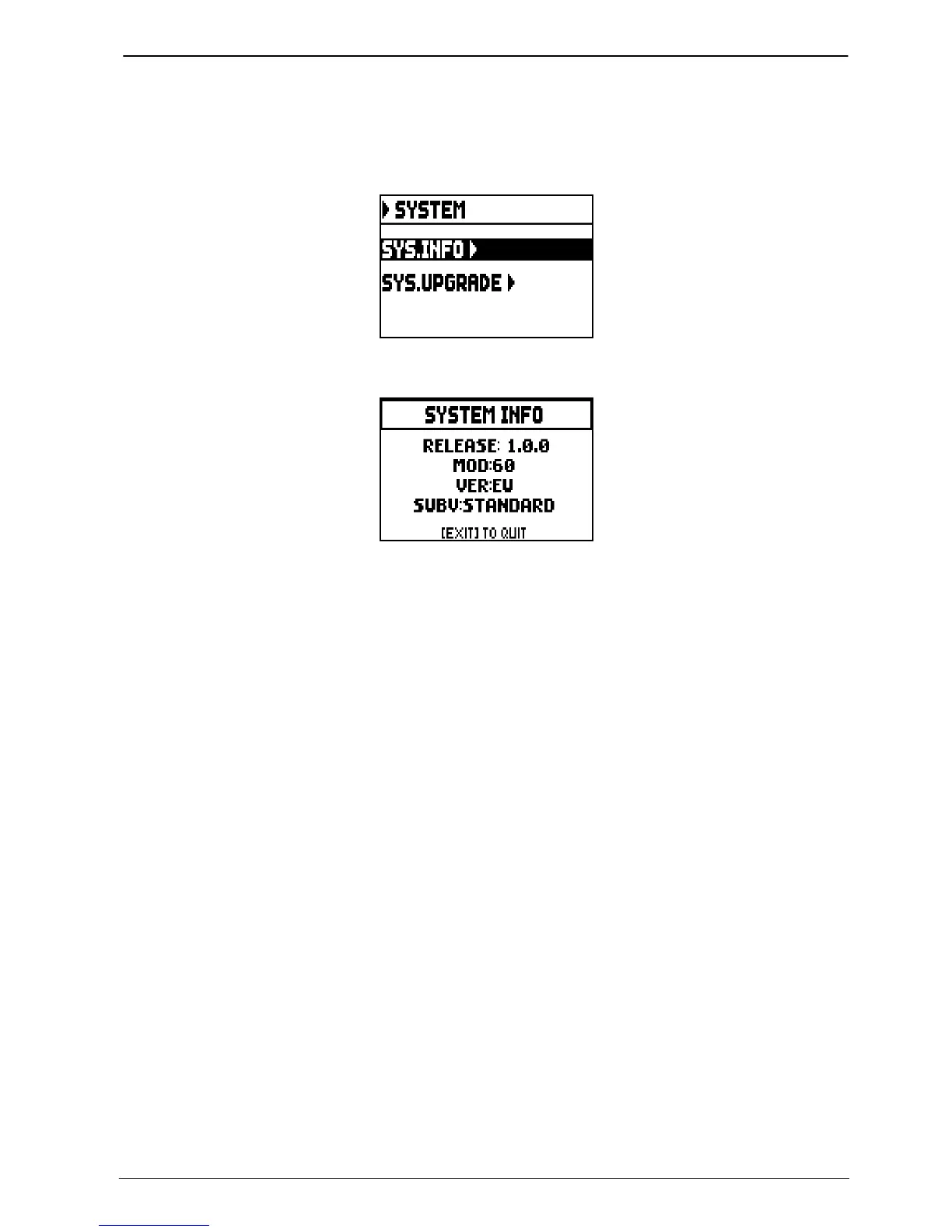
VERIFYING THE OPERATING SYSTEM VERSION (SYS. INFO function)
Use this function to verify the release of the operating system currently running on your instrument, then look
for available updates on the website www.viscountinstruments.com. To do so, select the SYSTEM field on the
display under the SETTINGS menu:
now select the SYS.INFO field:
The RELEASE field indicates the currently installed version, and the organ model is displayed below. Press
[EXIT] to return to the previous page.













 To Next Page