1.Setmasterunitandslaveunit
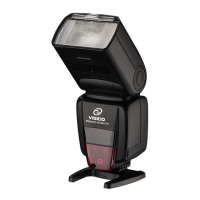
1.Set one speedlite attached to the camera as the
master unit. Set other speedlites to be controlled
wirelessly as the slave unit.
2.Selectcontrolmodeofmasterunit
Press and hold [M/S] button for 3 seconds and select
“Master unit”. Repeatedly press [M/S] button to
select control mode of master unit (Master unit
and slave unit fire at the same time) or (Master
unit is set to OFF, only the slave units will fire a
flash).
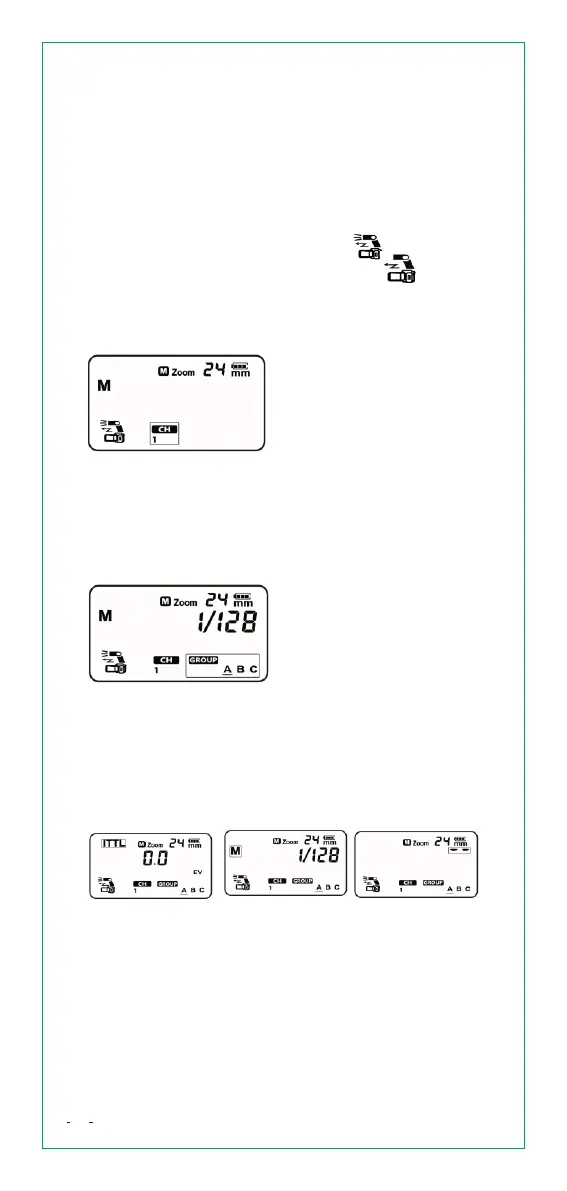
3.Checkthetransmissionchannel
Check the transmission
channel. If the channel of
the master unit and slave
unit(s) are different, set
them to the same
transmission channel number.
5.Setthefiringgroupoftheslaveunit
Operate and set the slave units one by one. Press
[Confirm Button] to select firing group <A>,<B>,<C>.
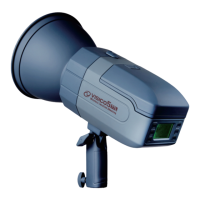
4.Positionthecameraandtheflash
Position them like above picture.
6.Settheflashmode
Set the flash mode of each firing group by operation
the master unit.Press [Confirm Button] to select the
firing group.
Press [MODE] button repeatedly to select the flash
mode of the selected group from <ITTL>、<M> and
<--> (OFF).
7.Settheflashoutputorflashexposure
compensationamount
While a firing group is selected, turn [Select Dial] to
set the flash function corresponding to the flash
mode.When using the <M> mode, set the flash
output power.When using the <ITTL> mode, set
the flash exposure compensation amount as
required.
15


 To Next Page