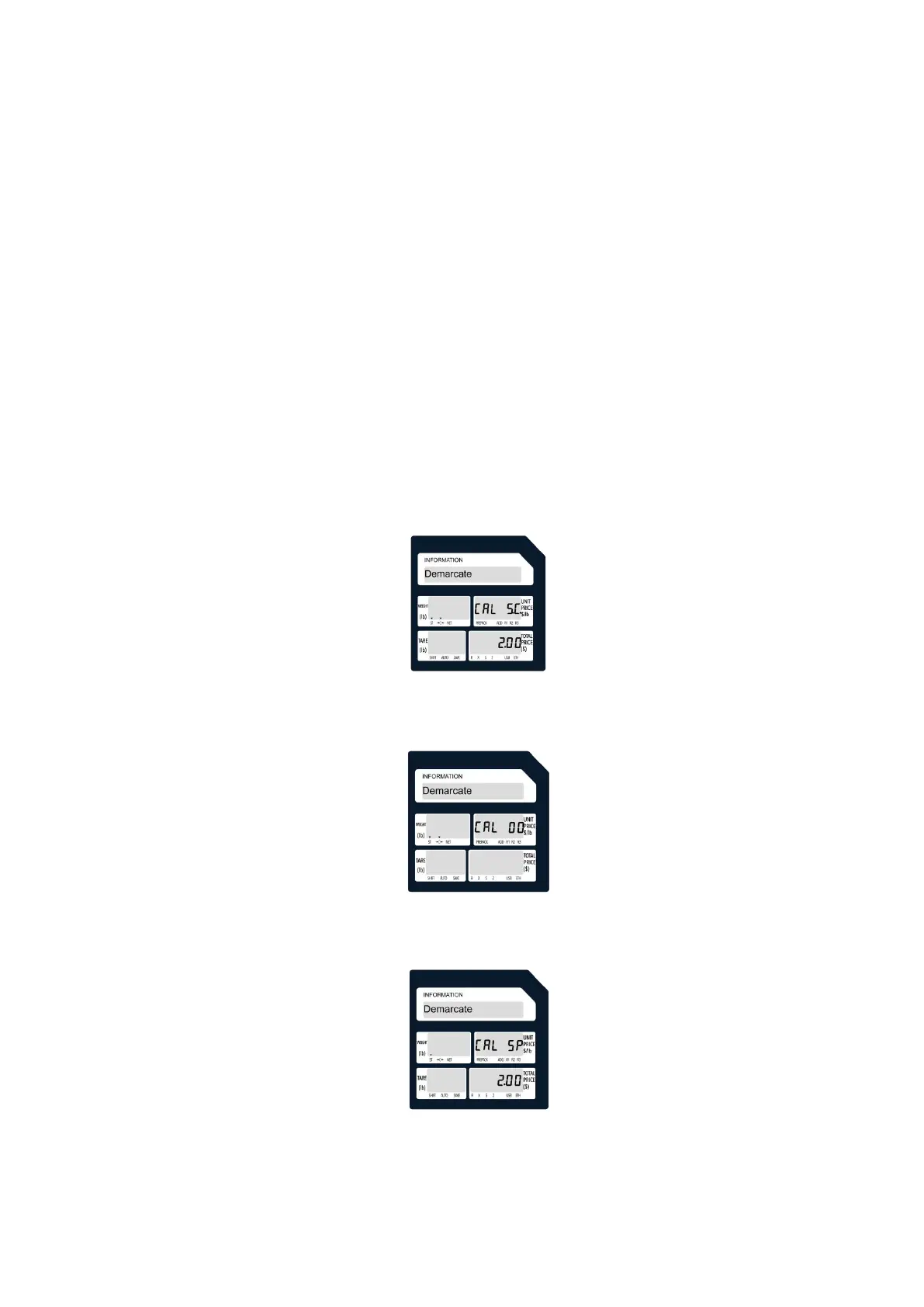
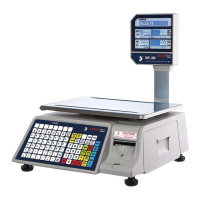
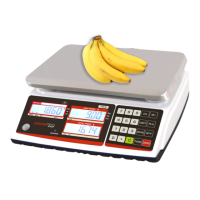
4.Calibration mode
4.1 Mode calibration
·You can click "TARE" to exit calibration without performing calibration.
·Long press the "ZERO" button, and at the same time click "3", "7", "5",
"2", "9", "8" to open the permissions.
·Long press the "ZERO" button, and click "9", "8", "1", "1" at the same
time to enter the calibration.
·Click "C" to modify the weight of the weight.
·Click "PRINT" to enter zero calibration.
·Click "PRINT" again and place the weight on the weighing pan.
·Click "PRINT" to start calibration.



 To Next Page