7.Function setting
Function settings need to be elevated for maintenance personnel.
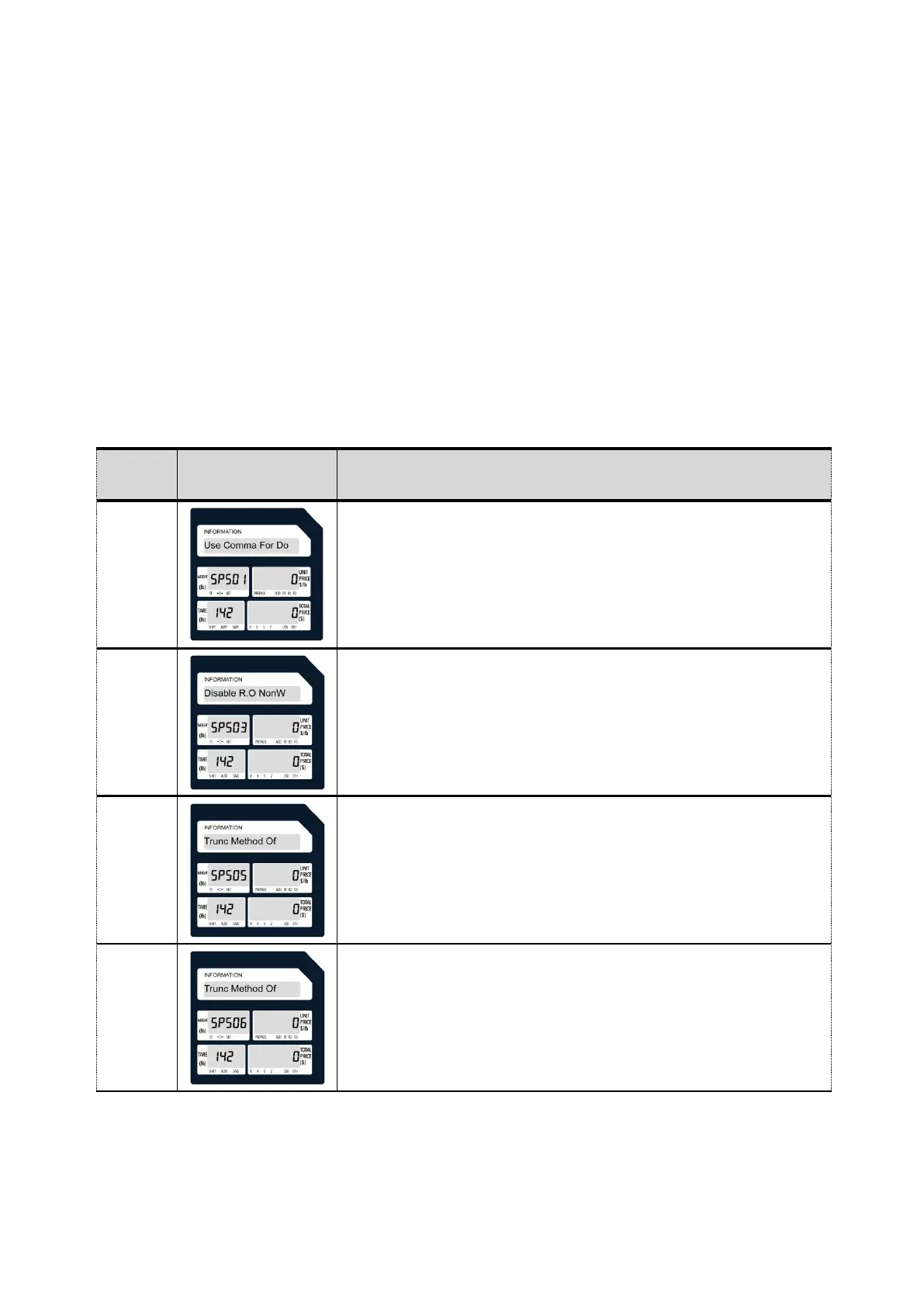
*Long press "ZERO" and click on the numeric keypad "3""7""5""2""9""8".
*Long press "ZERO" and click on the numeric keypad "1""0""1""3".
*Long press "ZERO" and click on the numeric keypad "1""4""2".
*Click "X" to go to the next item.
*Click "OVERRIDE" to enter the previous item.
*Click "PRINT" to enter internal modification or save the modified content.
Mode 142
0. Round
1. Round Down
2. Round Up
0. None
1. Round
2. Round Down
3. Round Up



 To Next Page