12.7 Interface board replacement
*Any of the following operations need to turn off the power of the electronic
scale and unplug the power cord.
· Interface board replacement steps
:
1
)
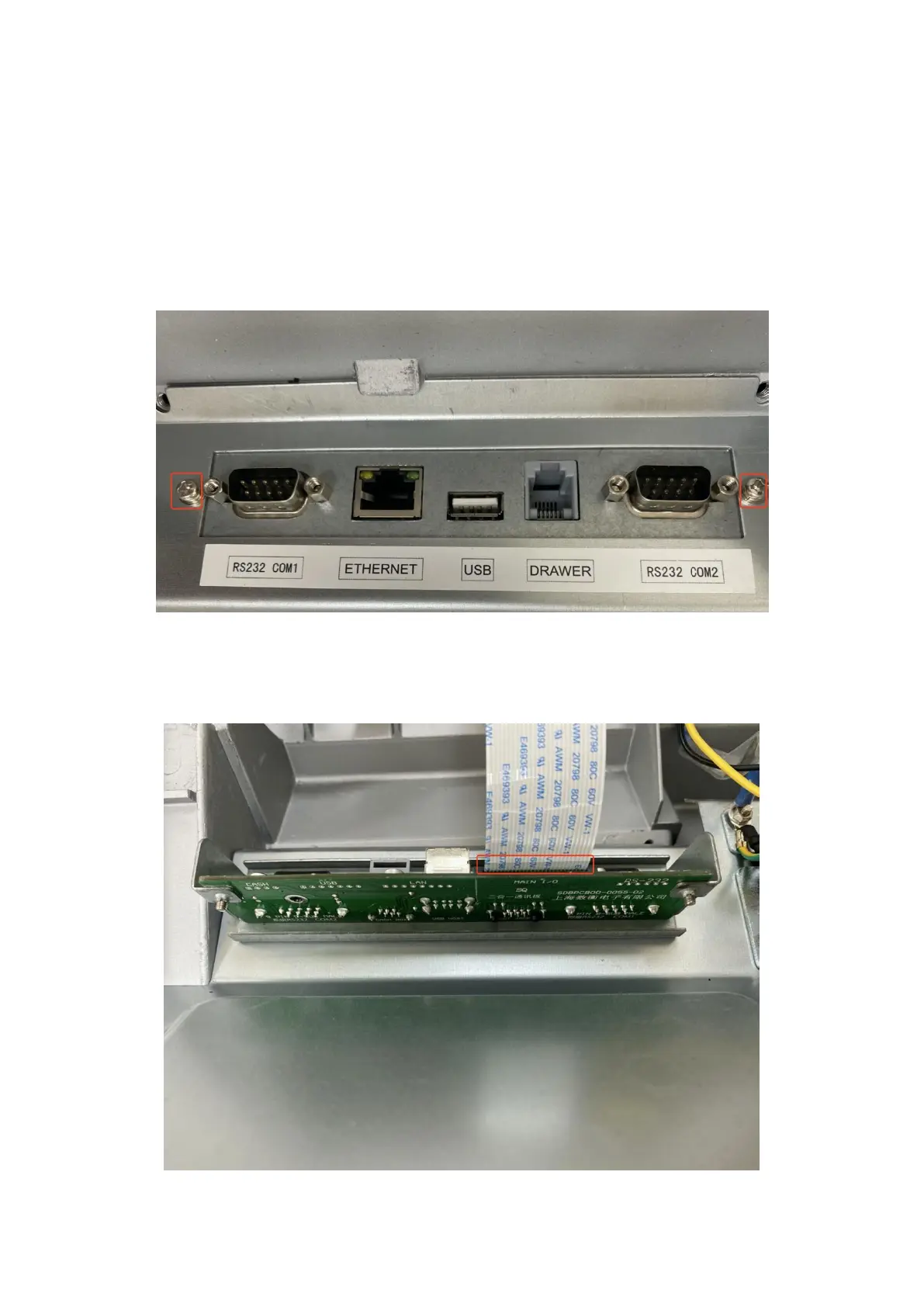
Unscrew 2 screws as shown in the picture
:
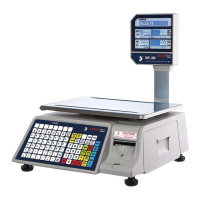
2)Unplug the cable and replace it with a new interface board, as shown in the figure:



 To Next Page