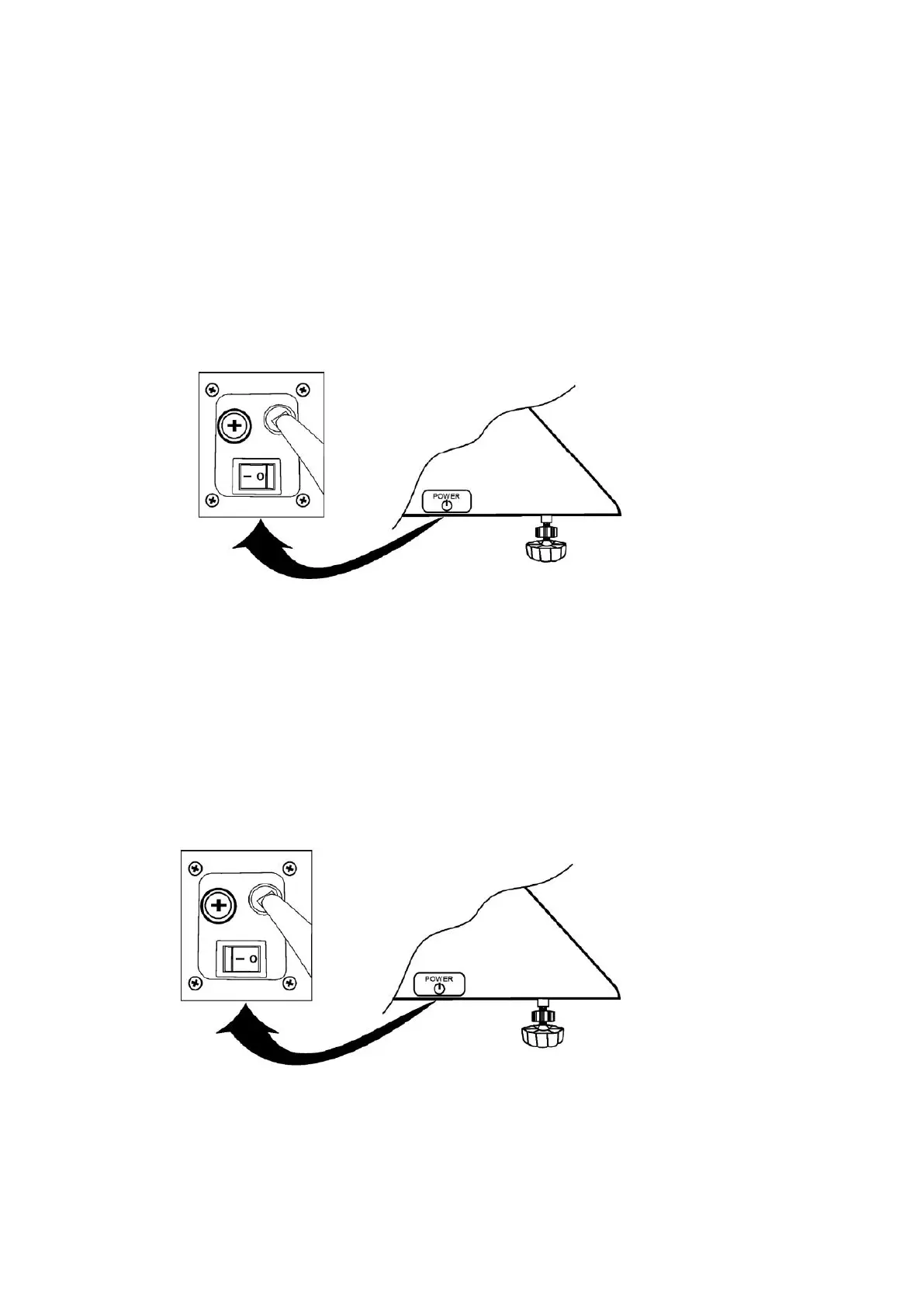
3.3 Switch
Turn on the power
1
.
Make sure the power plug is inserted into the AC power outlet
2.
Make sure nothing is on the weighing platform
3.
Turn on the power switch to (1) position
Turn off the power
1
.
Do not turn off the power during printing
2.
Do not turn off the power during operation
3.
Turn off the power switch to the (0) position



 To Next Page