EasyManua.ls Logo

Vision Tech DLP-300 - Page 57

Default Icon
98 pages
Print Icon
To Next Page IconTo Next Page
To Previous Page IconTo Previous Page
Loading...
57
Done.
03
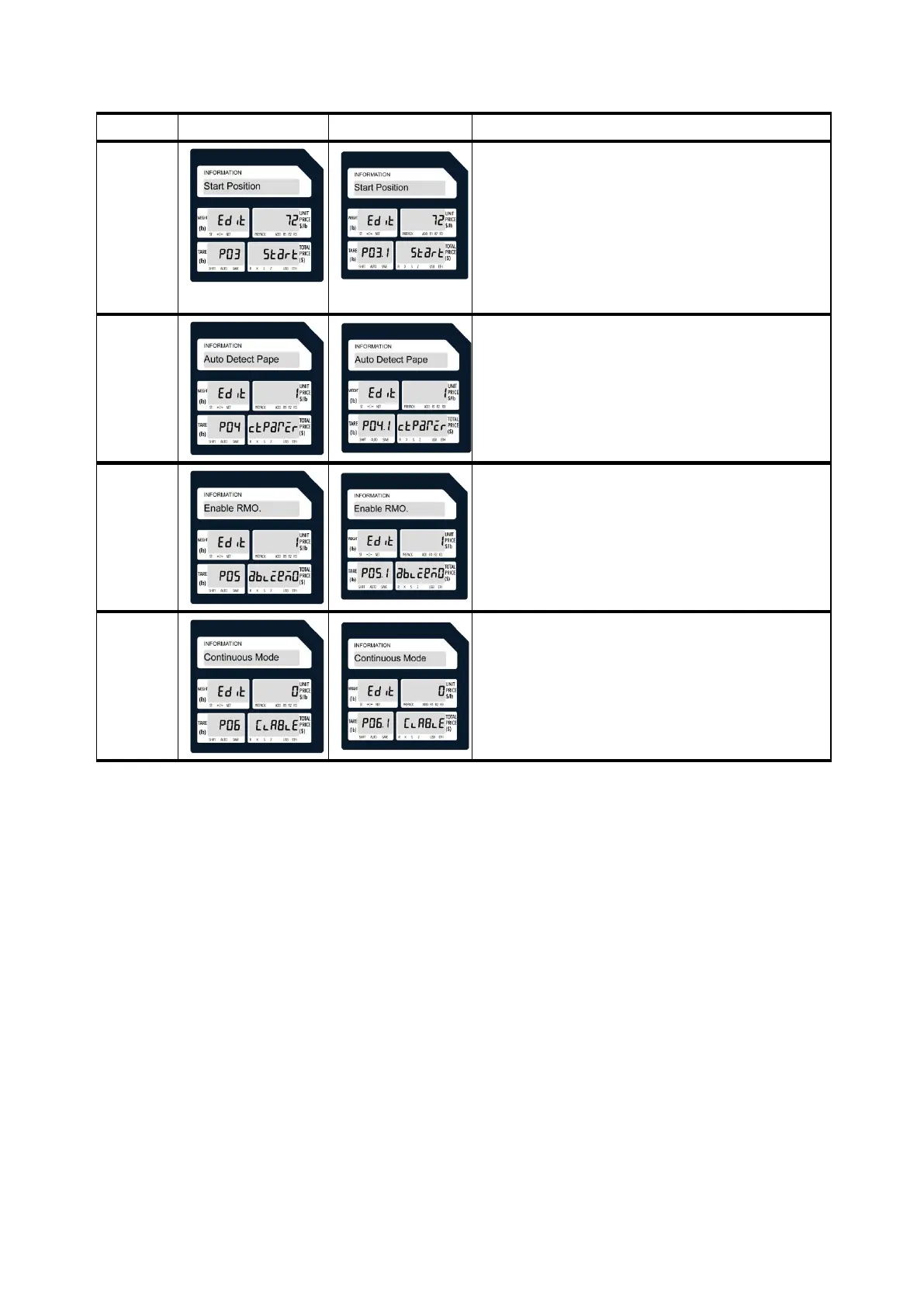
Press the Feed button to feed or print a second label to change
the print start position.
The default label printing position is 64 points from the bottom
up.
Unit switching: 8 points = 1mm, 64 points = 8mm
If you need to move the marked area down 2mm, 64 points-16
points = 48 points.

04
Values:
0. Allow
1. Not allow
05
Values:
0. Allow
1. Not allow
06
Values:
0. Allow
1. Not allow

Related product manuals