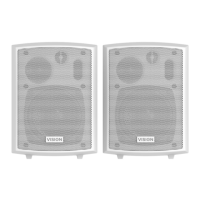
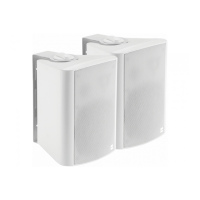
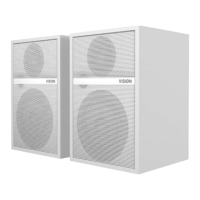
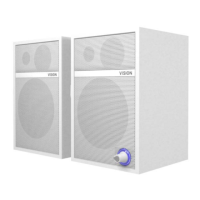
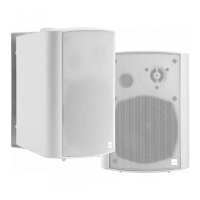
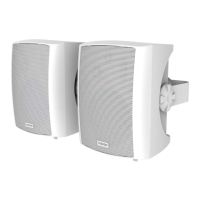
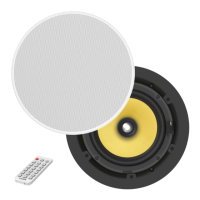
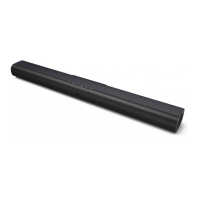
CHASSIS
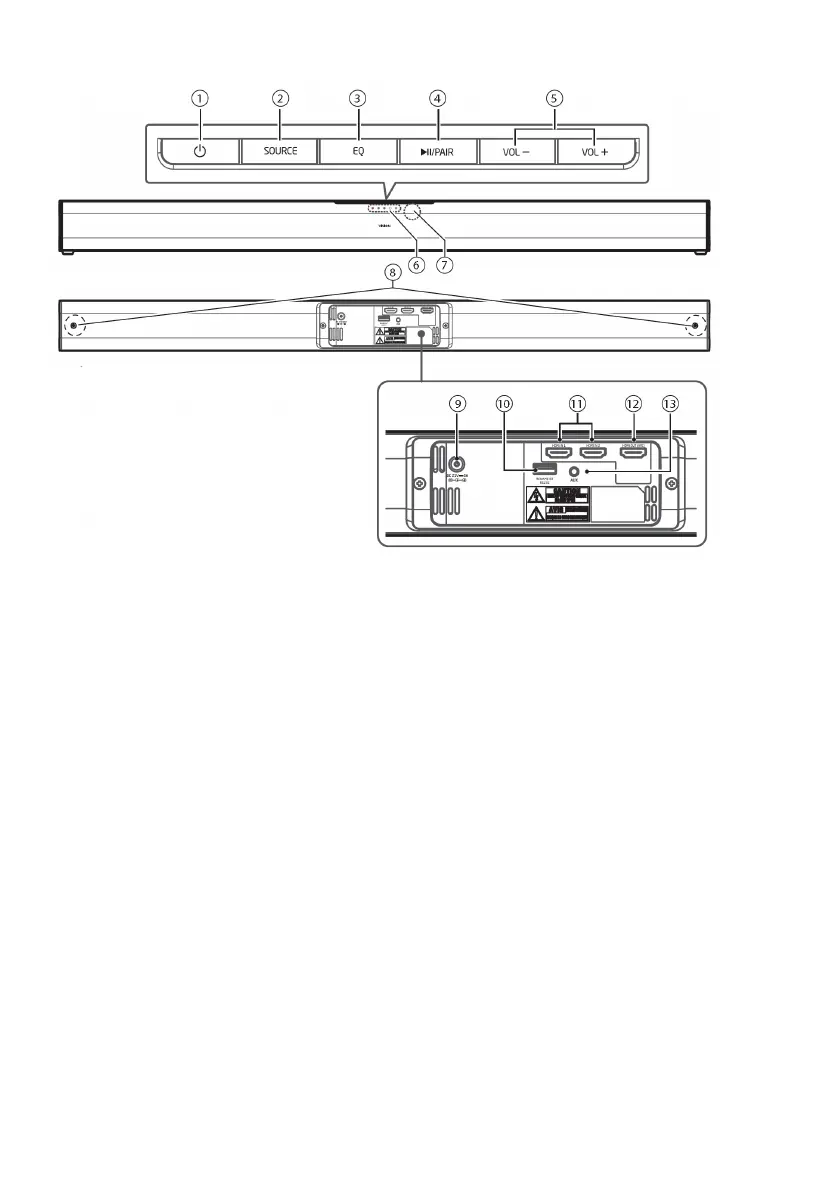
1. Standby button
2. SOURCE button
3. EQ Equaliser button
4. PLAY/PAIR button
• Pause or play content on Bluetooth source device.
• Press and hold to activate pairing function and disconnect existing paired device.
5. VOL+/VOL- buttons. If BT selected this
does not
affect the volume level of the device.
6. LED Indicators on front
• Red STANDBY
• Green AUX
• Blue Bluetooth
• White HDMI 1
• Flashing White HDMI 2
• Orange HDMI ARC
7. IR remote receiver
8. Wall bracket screws
9. DC power socket
10. USB-A Socket for changing BT name and pin, and RS-232 control
11. HDMI 1 and 2 inputs
12. HDMI OUT ARC
13. AUX 3.5mm Minijack input Socket


 To Next Page