HDMI INPUTS
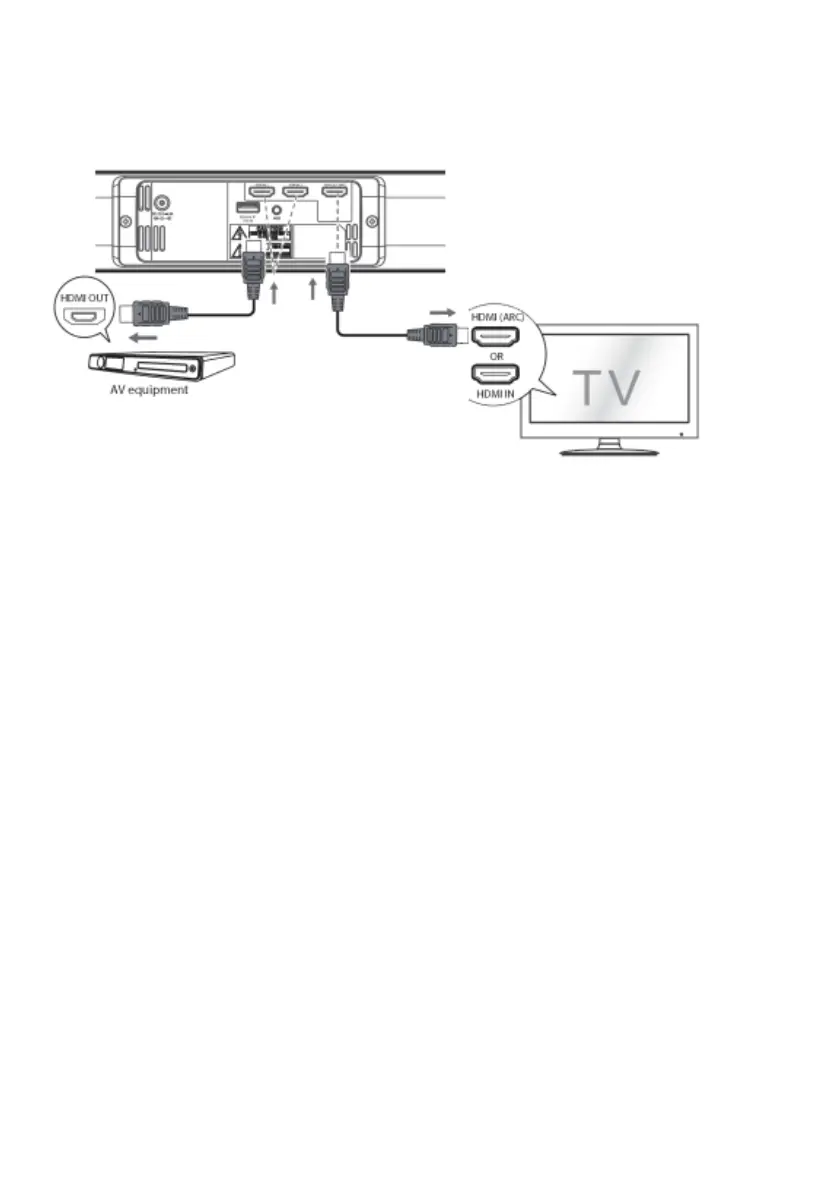
Connect source device as shown (cables not included)
HDMI ARC (Audio Return Channel) INPUT
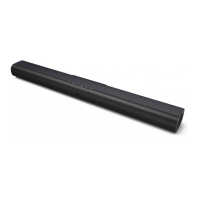
Connect the ARC INPUT on the SB-1900P to the ARC OUTPUT on the display.
The speakers in the display will no longer work.
The display remote control will now control the soundbar output.
Note: not all displays have an ARC output, and you may need to activate it in the menu.
STANDARD HDMI INPUTS
Connect source/s to Input 1 and 2.
Connect HDMI output on SB-1900P to normal HDMI Input on display
Note: If no sound and the Status lights flashes quickly, you may need to activate PCM Signal output on
your source device.


 To Next Page