16
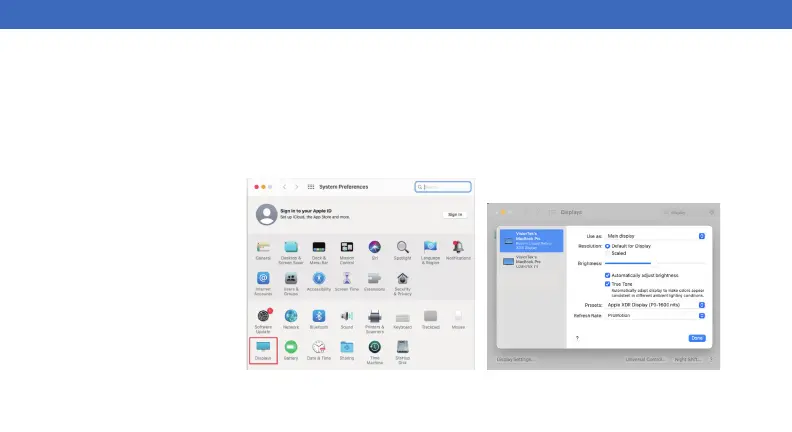
When a new display is connected to your Mac, it will default to being extended to the right of the main display. To configure
the settings for each of your displays, select “Displays” from the “System Preferences” menu. This will open the “Display
Preferences” window on each of your displays allowing you to configure each.
Display Preferences:
Display Resolutions
Using both extended and mirrored displays
Rotating a Display
Display Positions
Display to Mirror mode
Display to Extend
Changing the main display
DISPLAY SETTINGS (macOS)



 To Next Page