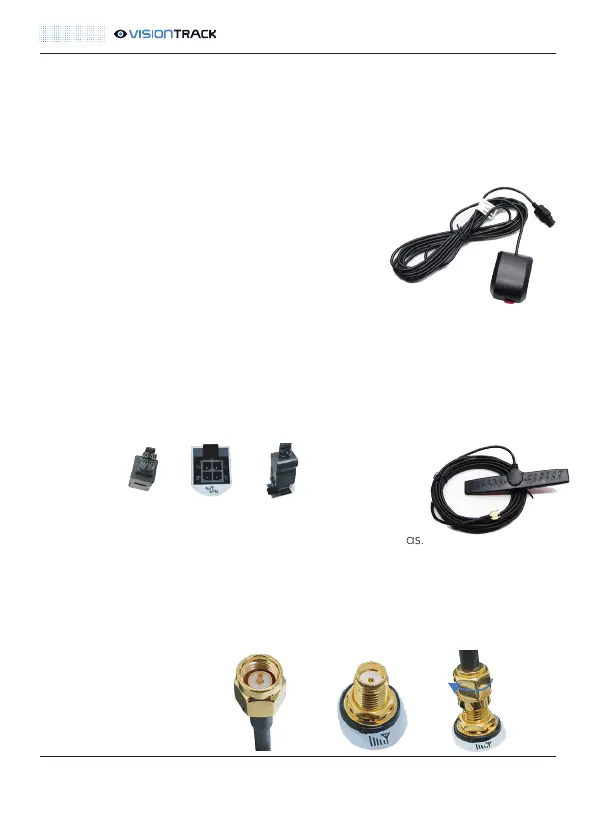
Connect the 4-pin plug from the GPS antenna to the DVR unit. Line up the clip on
the plug with the notch on the connector.
NOTE: To avoid interference the camera GPS must be installed as far away from the
GPS/Tracking Devices as possible. Ideally in the opposite side a-pillar.
GSM
To reduce interference it is recommended to install the GSM
antenna away from electrical equipment and other antennas.
VisionTrack recommends 1 metre, if that is not possible position it
as far away as possible. Fasten it in place with the adhesive pad
and cover it with reinforced tape on top to secure it. Connect the
GSM plug to the DVR by pushing it in and secure it
by tightening the nut.
VT5500 INSTALLATION GUIDE
11
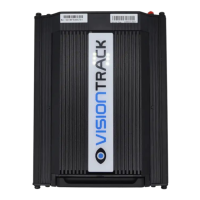
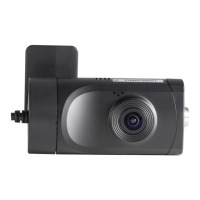
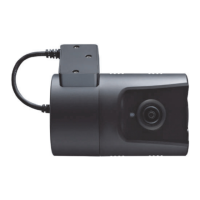
Antennas:
The
VT5500 comes with two stand-alone antennas. One GPS and one 3G/4G
GSM. These need to be installed covertly, i.e. behind panels, in the vehicle and
connected to the DVR.
GPS
The GPS antenna must be installed with the adhesive
pad facing down. The other side must also have a
clear line of sight to the sky i.e. not be obstructed by
any metal. Fasten it in place with the adhesive pad
and cover it with reinforced tape on top to secure it.
t +44 (0) 1246 225 745 | e orders@visiontrack.com | w visiontrack.com



 To Next Page