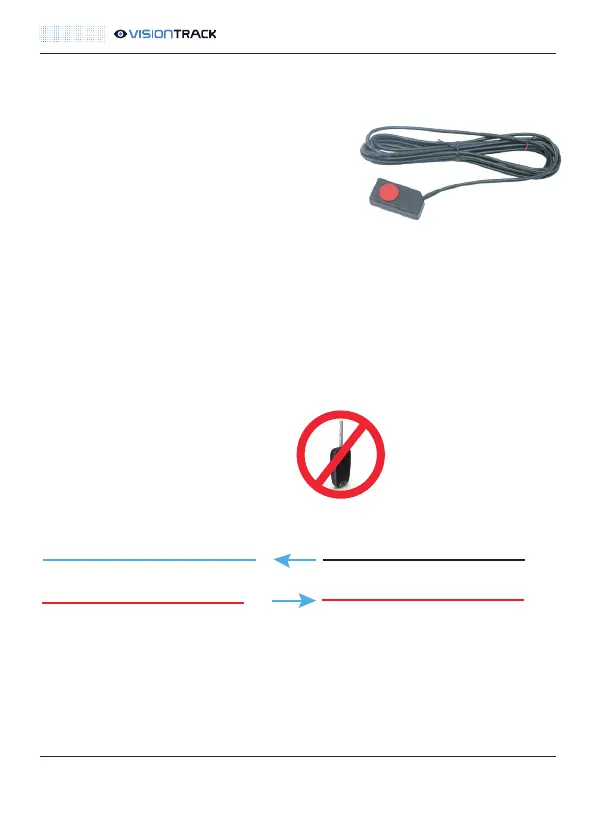
In the event of an incident, the VT-PANIC button
allows drivers to send alerts directly to the
VisionTrack software platform.
Install the button in a place where it’s reachable
and does not interfere with operation of the
vehicle, e.g. blank button slots on the dash.
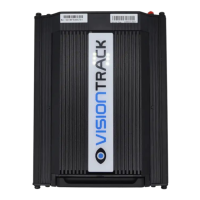
The VT-PANIC button is connected to the VT5500 via the Alarm In/Out Cable as
shown below. It should be enabled by default but must be checked during the
commissioning call.
NOTE: Ensure the vehicle ignition is off.
VT5500 INSTALLATION GUIDE
14
Panic Button:
t +44 (0) 1246 225 745 | e orders@visiontrack.com | w visiontrack.com
Alarm sensor out + 5v DVR
VT-PANIC Button BlackAlarm In Sensor 4 DVR
VT-PANIC Button RED



 To Next Page