VT5500 INSTALLATION GUIDE
12
Camera Connections:
t +44 (0) 1246 225 745 | e orders@visiontrack.com | w visiontrack.com
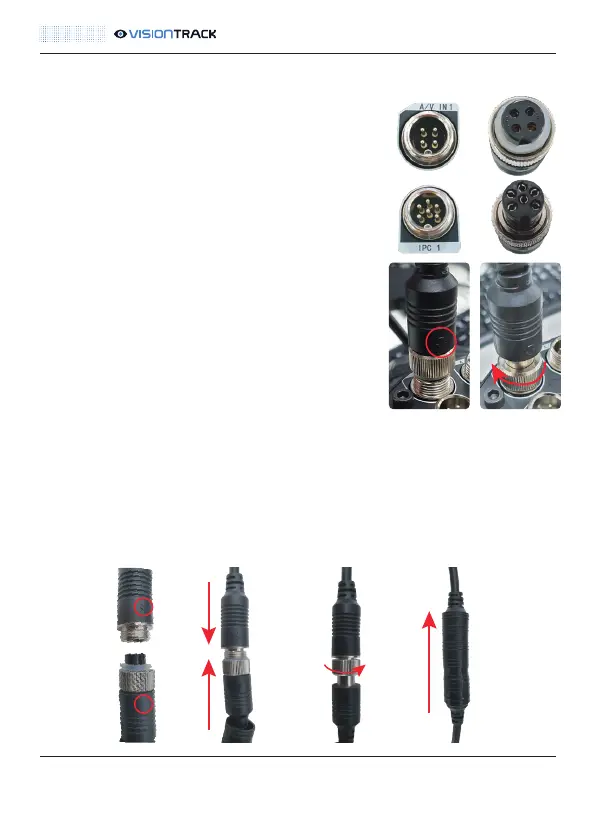
There are two different types of camera connections
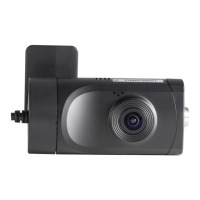
on the DVR. One is for the AHD cameras, such as the
VT408-AHD, and it is a 4-pin connector.
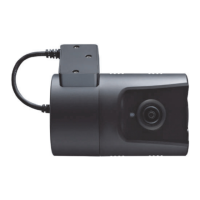
The other is for the IPC cameras, such as the
VT-C20-IPC, and that one is a 6-pin connector.
Line up the plug with the connector and push down
slightly. Following this tighten the nut to secure it.
Connecting the extension cables work the same
way.
Line up the arrows, push in slightly and tighten the
nut to secure.
NOTE: Ensure that you line up the arrow on the plug with the half-circle notch on the
connector. NOTE: When connecting the camera fly lead to the extension lead you
must make the connection waterproof. The rubber sheaths alone are not enough to
make the connection waterproof. Amalgamating tape should also be used. This is
particularly important for connections that are made outside the vehicle.



 To Next Page