VT5500 INSTALLATION GUIDE
16
Commissioning:
t +44 (0) 1246 225 745 | e orders@visiontrack.com | w visiontrack.com
NOTE: It is important that you ensure that the vehicle is
parked on a flat and level surface during the
commissioning process.
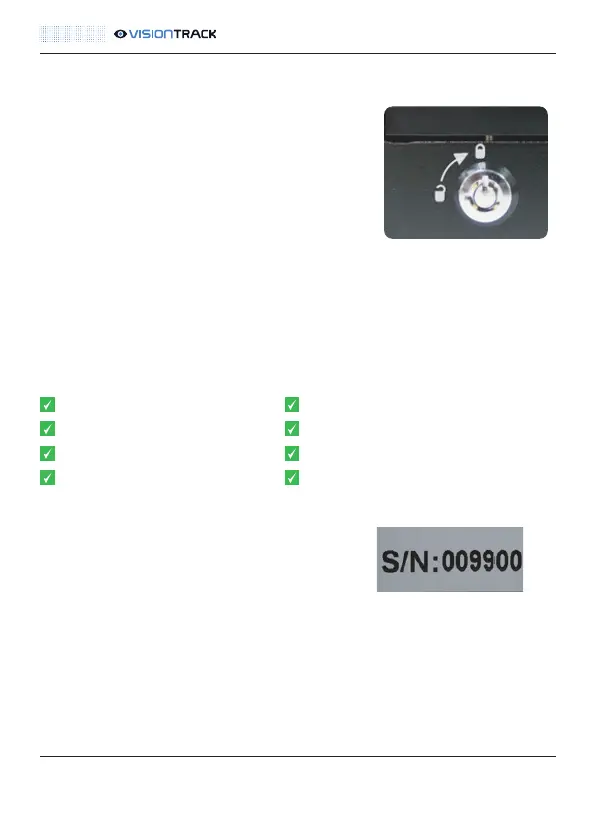
NOTE: When the DVR is ready to commission you must
ensure that the hard drive is locked in place. Otherwise it
will not boot up.
Information to provide
Org ID / Customer Name
Unit DRID
Unit Serial Number?
Vehicle Registration
Start the engine and wait for 5 minutes and call the VisionTrack technical support team on
01246 225 858 to commission the device.
Please follow the checklist below during the commissioning call with VisionTrack:
NOTE: The DRID for this unit type starts with
00600 or 009900 and is 10 characters long and
can be found on a white label on the DVR unit.
The VisionTrack technical support team is available:
01246 225 858
(Monday – Friday 8.00am – 6.00pm)
(Saturday – 9.00am – 5.00pm)
NOTE: You will be given a Commissioning number by VisionTrack.
Functions to test
G-Sensor (Unit Calibration)
IPC Activation (VT-C20-IPC)
Panic Button
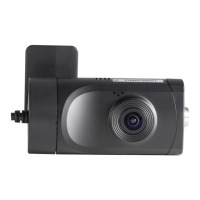
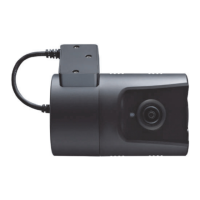
Camera Angles
Example DRID Number



 To Next Page