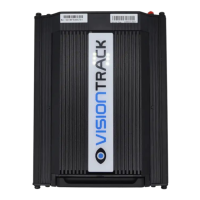
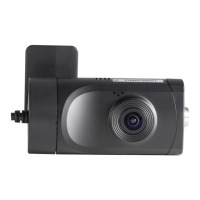
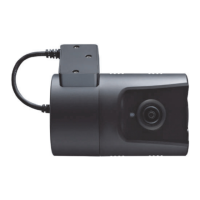
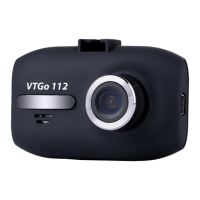
VT5500 INSTALLATION GUIDE
t +44 (0) 1246 225 745 | e orders@visiontrack.com | w visiontrack.com
3
Important Information:
!
Power: All VisionTrack devices MUST be wired to their own power supply and not
connected/shared to an existing power pickup point. We recommend that the vehicle power
pickup points should be located using the vehicle manufactures instructions. *THIS MEANS
YOU CANNOT USE ANOTHER TELEMATICS PROVIDERS POWER SUPPLY OR PICK UP
POINTS TO POWER A VISIONTRACK DEVICE.
To avoid interference, the VisionTrack power supply MUST be installed as far away from
other Telematics devices and power supplies already installed within the vehicle as possible.
Ideally on the opposite side of the vehicle.
GPS/3G and 4G Antennas: To avoid interference the VisionTrack device antennas MUST be
installed as far away from each other as well as other Telematics devices already installed
within the vehicle as possible. Ideally in the opposite side A-pillar.
Securing: The MDVR has an internal accelerometer to measure harsh driving events so you
MUST ensure that it is firmly secured in the vehicle.
You MUST also ensure the device is calibrated as part of the commission process.
List of do’s and don’t’s when installing a VisionTrack MDVR.
1
2
3



 To Next Page