12
Controls and Features
Autostore, six in FM1, six in FM2, and
six in FM Autostore).
There are a total possible of 30
preset stations.
Setting memory preset stations
• Select the frequency band with the
AM/FM select control. Press the AM/
FM control to toggle between AM,
FM1, or FM2.
• Press the SEEK control to access
the next listenable station up or down
the frequency band. Press the TUNE
control to go up or down the
listening band in individual
increments.
• Select a station. Refer to Seek
function for more information on
selecting a station.
• Press and hold a memory preset
control. The playing media will mute
momentarily. When the sound
returns, the station is held in memory
on the control you selected. The
display will read SAVED.
Autostore
Autostore allows you to set the
strongest local radio stations without
losing your original manually set
preset stations. This feature is helpful
on trips when you travel between
cities with different radio stations.
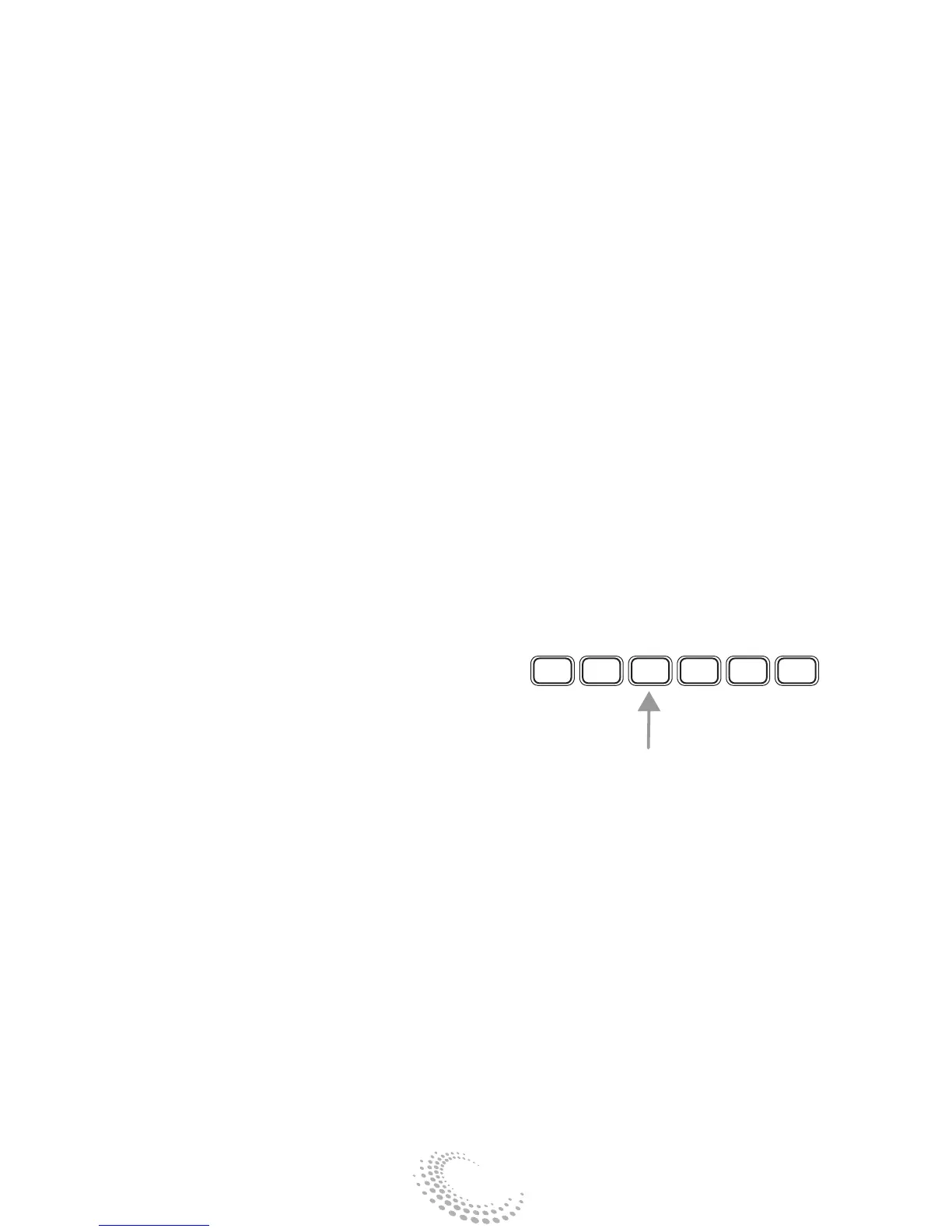
1 2 3 4 5 6


 To Next Page