9
Controls and Features
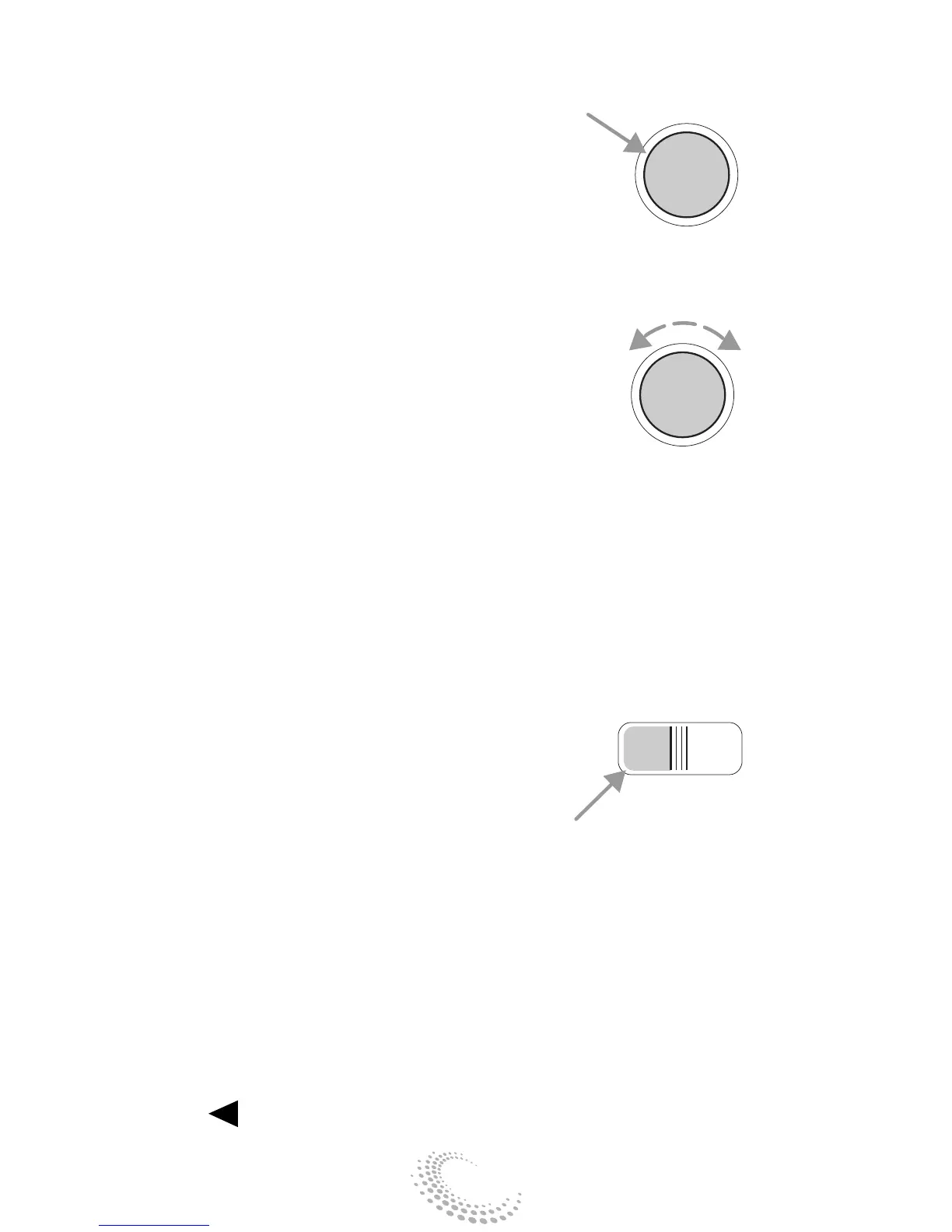
Volume/power control
Press the control to turn the audio
system on or off.
Turn the control to raise or lower
volume.
If the volume is set above a certain
level and the ignition is turned off,
the volume will come back on at a
“nominal” listening level when the
ignition switch is turned back on.
AM/FM select
The AM/FM select control works in
radio and CD modes.
AM/FM select in radio mode
This control allows you to select AM
or FM frequency bands. Press the
control to switch between AM, FM1
or FM2 memory preset stations.
AM/FM select in CD mode
Press this control to stop CD play
and begin radio play.
Tune adjust
The tune control works in radio or CD
mode.
Tune adjust in radio mode
• Press to move to the next
CD
AM
FM
PUSH
ON
PUSH
ON


 To Next Page