15
Controls and Features
LOAD
will choose the next available one.)
Wait until the CD door opens.
• Load the CD into the player.
LOADING CD# will be displayed.
When the CD has been loaded, the
door will close and that CD will begin
to play. For example, to load a CD into
slot #2, press the LOAD control and
then press preset #2.
Auto load
This feature allows you to autoload
up to six discs into the multi–disc CD
player internal to the radio.
• Press and hold the load control until
AUTOLOAD# is displayed. The CD
door will open.
• Load the desired discs, one at a
time. The CD is loaded into position
and the audio system will display
CD#. Each time the CD door opens,
INSERT CD# is displayed. The door
will close and the player will move to
the next slot after each disc has been
loaded. The process is repeated until
all six slots are full.
The audio system plays the last CD
loaded and the display is updated. If
some slots are already full and
autoload is activated, the system will
fill all empty slots.
Eject
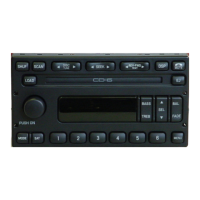
• Press the EJ control to stop and
eject a CD. You can choose which CD
will be ejected by pressing the EJ


 To Next Page