21
Controls and Features
To activate:
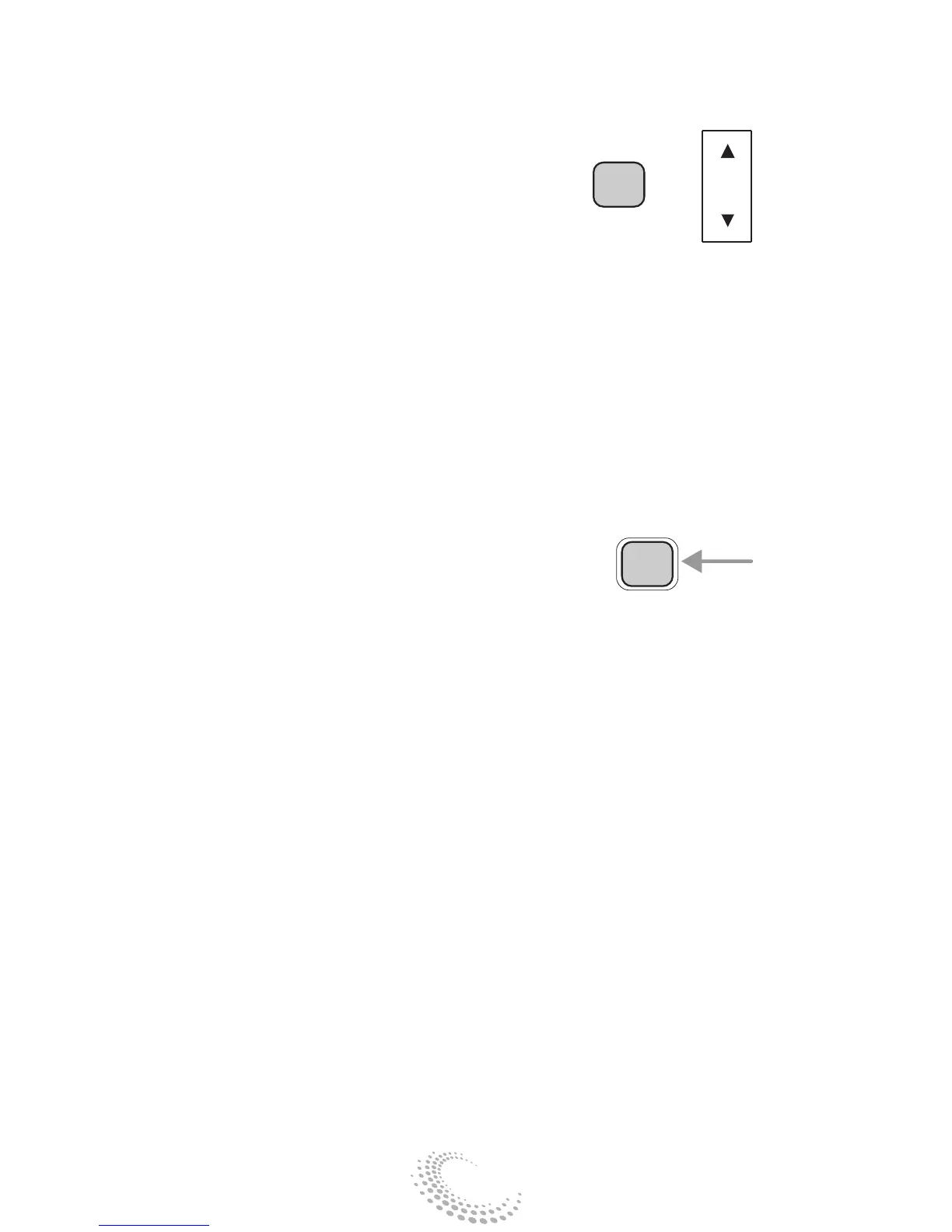
• With RDS activated, press the
MENU control until SHOW is dis-
played.
• Use the SEL control to select TYPE,
NAME or NONE.
NAME will display the radio station’s
name (WABL, WCSX-FM, etc.)
TYPE will display the radio station’s
RDS program type (rock, jazz, etc.)
NONE deactivates the RDS display.
Menu mode
The MENU control allows access to
many different features within your
audio system. There are three sets of
menus available, depending upon
which mode or feature is activated.
In FM mode two menus are available:
• If RDS is turned off, you can access:
SELECT HOURS – See Setting the
clock.
SELECT MINUTES – See Setting the
clock.
RDS STATUS – See Radio Data
System.
• If RDS is turned on, you can access:
RDS TRAFFIC STATUS – See Radio
Data System.
RDS FIND TYPE – See Radio Data
System.
RDS SHOW STATUS – See Radio
Data System.
SEL
+
MENU


 To Next Page