17
Controls and Features
Fast forward
The fast forward control works in CD
mode.
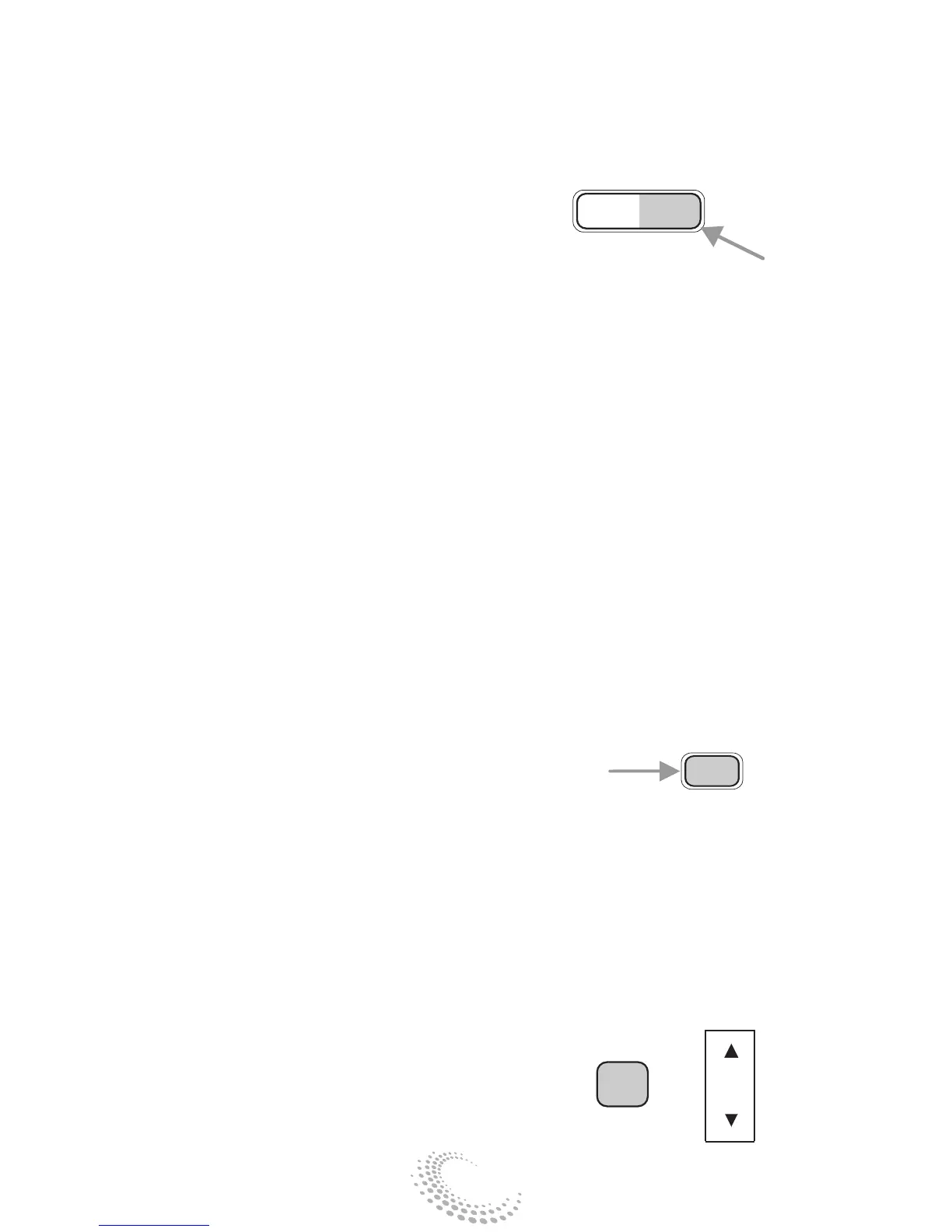
• Press and hold the FF control until
the desired selection is reached. If the
end of the disc is reached, the CD will
return to the first track on the first
disc. Release the control to disengage
fast forward mode. When in fast
forward mode, your audio system will
automatically lower the volume level
of the playing media.
Shuffle feature
When engaged, the shuffle feature has
two different modes: SHUFFLE DISC
and SHUFFLE TRK.
SHUFFLE DISC randomly plays tracks
from all the discs presently in the
audio system.
SHUFFLE TRK plays all the tracks on
the current disc in random order.
• Press the SHUF control until the
desired shuffle mode is displayed. The
audio system will then engage the
desired shuffle mode.
Compression feature (if equipped)
The compression feature operates in
CD mode and brings soft and loud
CD passages together for a more
consistent listening level.
On Audiophile audios, press the
MENU control until compression
status is displayed. Press the SEL
REW FF
SHUF
SEL
+
MENU


 To Next Page