18
Controls and Features
control to enable the compression
feature when COMP OFF is displayed.
• Press the SEL control again to
disable the feature when COMP ON
is displayed.
On Premium audios, press the COMP
control until COMP ON is displayed.
Bass adjust
The bass adjust control allows you to
increase or decrease the audio
system’s bass output.
• Press the BASS control. Use the SEL
control to increase or decrease the
amount of bass.
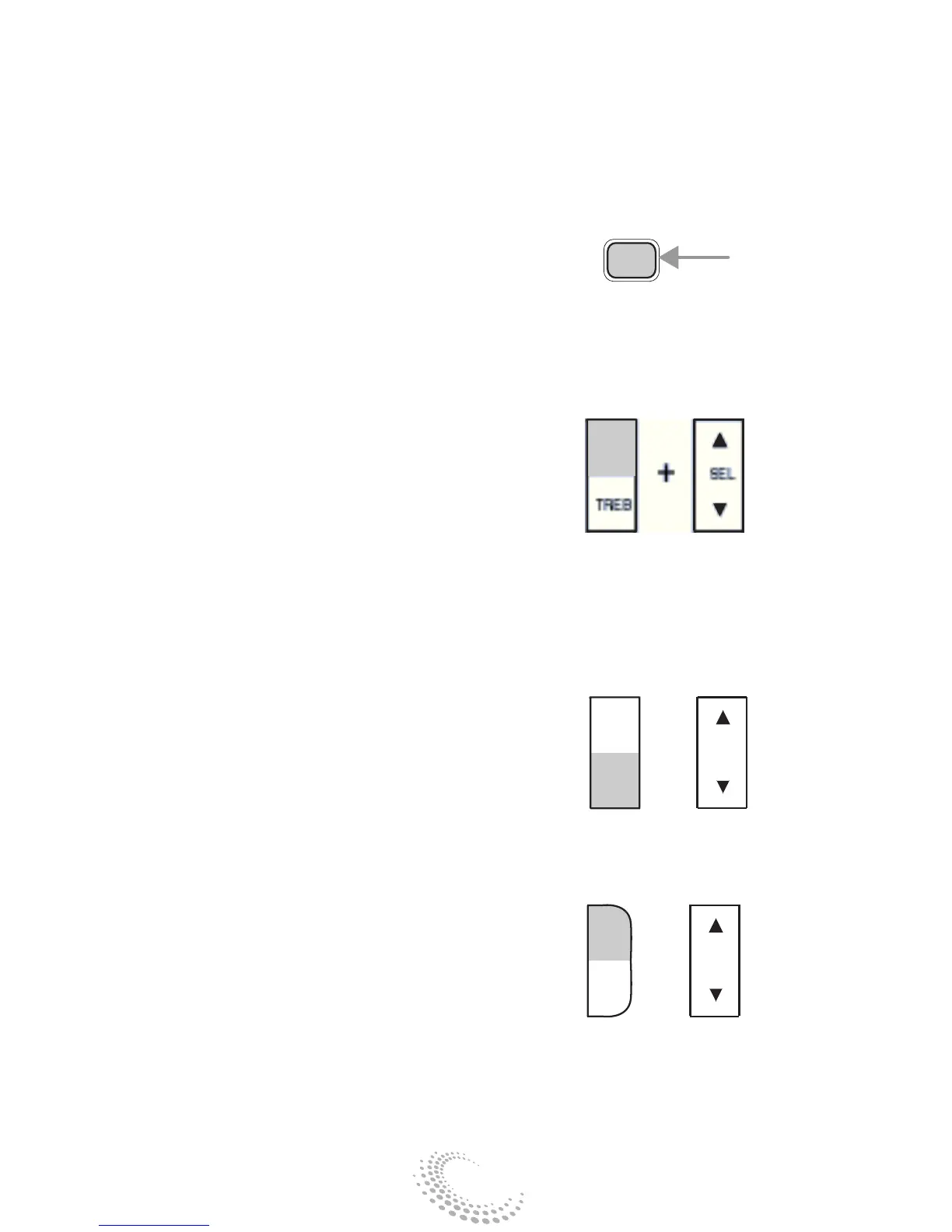
Treble adjust
The treble adjust control allows you
to increase or decrease the audio
system’s treble output.
• Press the TREB control. Use the
SEL control to increase or decrease
the amount of treble.
Speaker balance adjust
Speaker sound distribution can be
adjusted between the right and left
speakers.
• Press the BAL control. Use the SEL
control to adjust the sound between
the speakers.
Speaker fade adjust
Speaker sound can be adjusted
between the front and rear speakers.


 To Next Page