VTouch-Plus Configuration Tool User Guide
VITREA Smart Home Technologies | T: +972.3.5474746 | F: +972.3.5474738 | vitrea-sh.com | support@vitrea-sh.com
Page 22 of 27
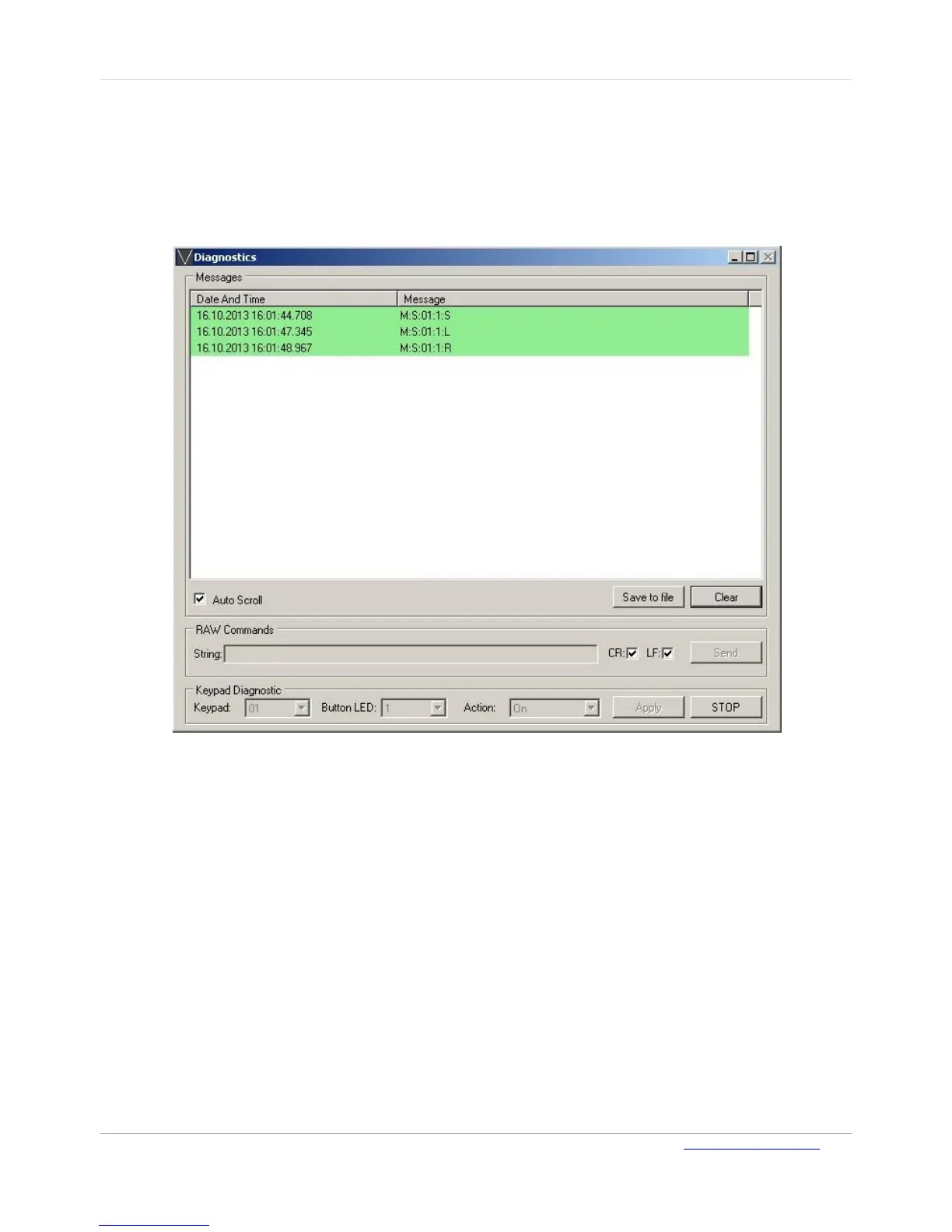
To save the messages window content to a computer file:
On the Diagnostics page, click Save to file. The file is saved with a date/time stamp name in the
program's working folder.
To obtain the touch status of keys (buttons) on any selected keypad:
1. In the Keypad field, enter the ID of the required Keypad.
2. Click Get Status.
Figure 16: Diagnostics Page - 2
3. Click STOP to cancel the reporting process.



 To Next Page